

Container security basics
Containers package applications with their dependencies into one unit. This fixes the 'it works on my machine' problem and makes scaling easier. Docker and Kubernetes dominate the market because of this, but sharing a kernel changes the security model compared to old-school virtualization.
Traditional virtual machines (VMs) offer strong isolation because each VM has its own operating system kernel. Containers, however, share the host operating system’s kernel. This shared kernel is both a source of efficiency and a potential security vulnerability. A compromise within one container could potentially lead to a compromise of the host system or other containers.
The attack surface is different with containers. Instead of focusing solely on the guest OS, you now need to consider the container runtime, the container images themselves, and the orchestration layer. It’s a shift in thinking, and one that demands a more layered security approach.
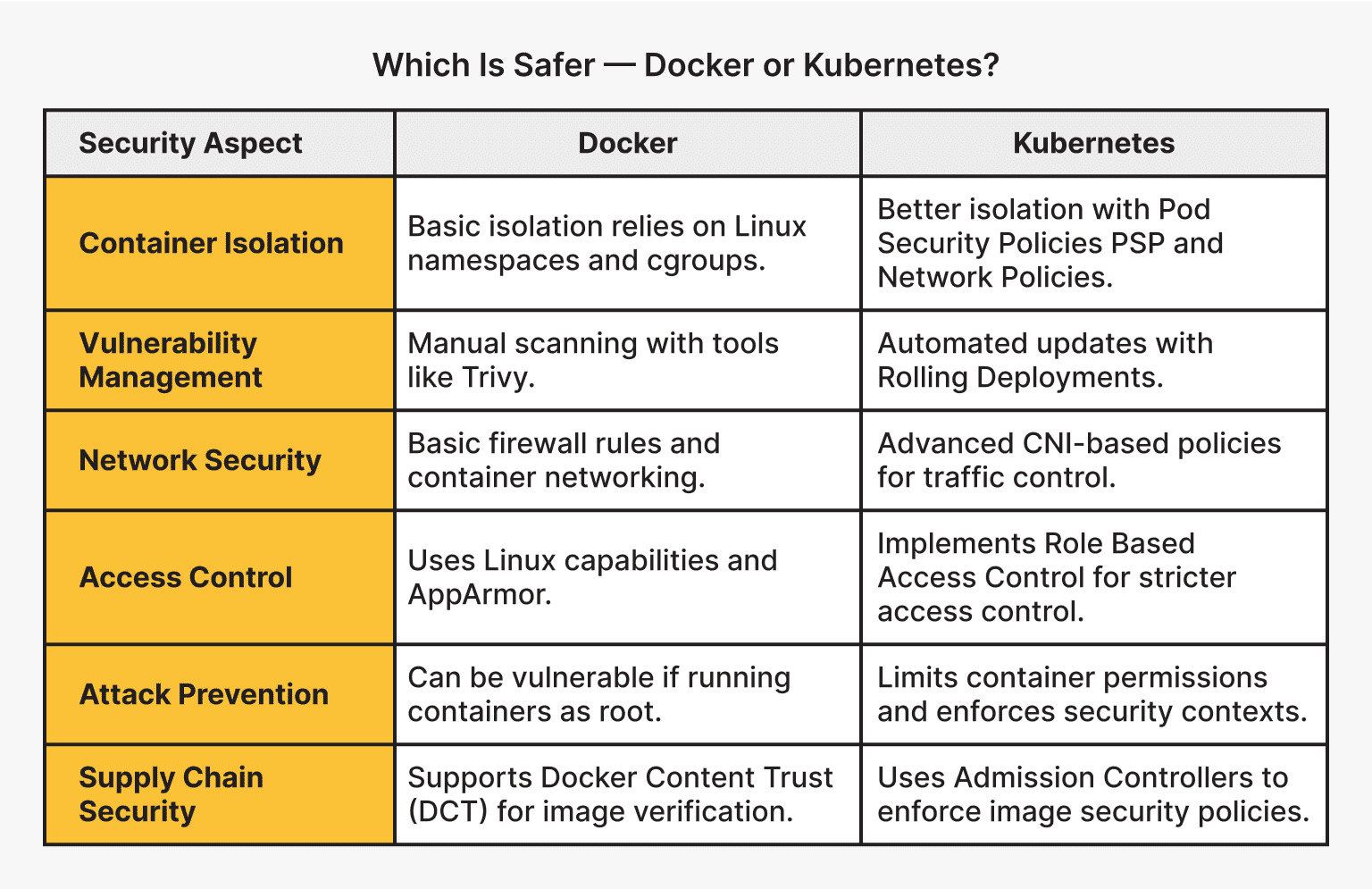
Securing Docker images
Docker uses a layered file system where each instruction in a Dockerfile creates an immutable layer. If you find a vulnerability, you can roll back to a known good state. Immutability helps with auditing, but it doesn't stop a running container from being exploited.
Keeping your container images small is a surprisingly effective security measure. Fewer packages and dependencies mean a smaller attack surface. Regularly scanning images for vulnerabilities using tools like Trivy or Clair is also essential. These tools analyze your images against known vulnerability databases and provide reports on potential issues.
Always use official base images whenever possible. These images are typically maintained by the software vendors and are more likely to be kept up-to-date with security patches. If you must use a third-party image, verify its provenance and scan it thoroughly. The goal is to 'shift left' – finding and fixing vulnerabilities early in the development lifecycle.
- Trivy scans images, filesystems, and git repositories for vulnerabilities and misconfigurations.
- Clair performs static analysis of container vulnerabilities using a modular API-driven architecture.
Docker benchmarks and user namespaces
The Docker Security Benchmark, developed by CIS (Center for Internet Security), provides a comprehensive set of recommendations for securing your Docker deployments. It’s not a checklist to blindly follow, but a valuable guide to understanding the security implications of different Docker configurations.
User namespaces are critical. Running containers as a non-root user significantly reduces the potential damage an attacker can cause if they compromise the container. Resource limits – CPU, memory, and disk I/O – prevent denial-of-service attacks and ensure fair resource allocation. Kernel capabilities allow you to fine-tune the privileges granted to containers, minimizing the attack surface.
Auditing Docker events provides valuable insights into container activity. Enabling auditing allows you to track who is doing what within your Docker environment, which can be invaluable for incident response. Docker Content Trust utilizes digital signatures to verify the integrity and authenticity of Docker images, ensuring that you're running what you think you're running.
Implementing these changes isn’t always straightforward. It requires careful planning and testing, but the security benefits are substantial. Remember, security isn’t a one-time fix, it’s an ongoing process.
Kubernetes orchestration risks
Kubernetes adds another layer of complexity to container security. While Docker secures the container itself, Kubernetes secures the orchestration of those containers. This introduces new attack vectors and challenges.
Role-Based Access Control (RBAC) is fundamental to Kubernetes security. RBAC allows you to define granular permissions for users and service accounts, limiting their access to only the resources they need. Network policies control the network traffic between pods, restricting communication and reducing the blast radius of a potential breach.
Pod Security Policies (PSPs) were the original mechanism for enforcing security constraints on pods. However, PSPs have been deprecated in favor of Pod Security Admission (PSA). PSA provides a more flexible and user-friendly way to define and enforce security standards. It’s important to migrate from PSPs to PSA as soon as possible.
Securing a distributed system like Kubernetes is inherently more complex than securing a single server. You need to consider the security of all the components – the API server, etcd, kubelet, and the worker nodes – as well as the communication between them.
Network policies and pod isolation
Kubernetes network policies define rules that govern how pods can communicate with each other and with external networks. They operate at Layer 3 and Layer 4 of the network stack, allowing you to restrict traffic based on IP addresses, ports, and protocols.
The concept of microsegmentation is central to network policy design. By dividing your cluster into smaller, isolated segments, you can limit the impact of a security breach. If one pod is compromised, the attacker will have limited access to other parts of the cluster.
Tools like Calico and Cilium enhance network policy enforcement. Calico provides a network policy engine that integrates with Kubernetes, while Cilium uses eBPF to provide advanced networking and security features. These tools offer more granular control and visibility into network traffic.
- Calico manages pod connectivity and enforces fine-grained security policies across clusters.
- Cilium: A networking and security solution based on eBPF.
Kubernetes Network Policy Implementation Comparison (2026 Outlook)
| Feature | Calico | Cilium | Weave Net |
|---|---|---|---|
| Performance | Generally strong, known for efficient policy enforcement. | Excellent, leverages eBPF for high-speed networking. | Good, but may experience scaling limitations in very large environments. |
| Scalability | Well-suited for large, complex deployments. | Designed for modern, cloud-native scale; benefits from eBPF. | Can scale, but requires careful planning and resource allocation. |
| Integration with Existing Infrastructure | Mature ecosystem, integrates well with common Kubernetes setups. | Strong integration with cloud-native observability tools. | Easier to set up initially, good for simpler environments. |
| Policy Complexity | Policy definition can be verbose; requires a steeper learning curve. | eBPF allows for more expressive and flexible policies. | Simpler policy syntax, easier for beginners. |
| Network Visibility | Provides good network flow logs and tracing. | Offers advanced network observability through Hubble. | Basic network visibility features. |
| Security Features | Robust policy controls, supports network segmentation. | Leverages eBPF for advanced security features like Cilium NetworkPolicy. | Provides basic network isolation and security. |
| Community Support | Large and active community; extensive documentation. | Growing community, strong backing from cloud-native projects. | Established community, but potentially less active than others. |
Qualitative comparison based on the article research brief. Confirm current product details in the official docs before making implementation choices.
Runtime monitoring with eBPF
Preventative measures are important, but they’re not enough. You also need to detect and respond to attacks that bypass your initial defenses. Runtime security tools like Falco and Sysdig monitor container activity for anomalous behavior.
Falco, for example, uses a rule-based engine to detect suspicious events, such as unexpected file access or process execution. Sysdig provides deeper visibility into container behavior, allowing you to identify and troubleshoot performance issues and security threats.
Logging and auditing are also crucial. Collect logs from all your containers and Kubernetes components, and analyze them for suspicious patterns. eBPF (extended Berkeley Packet Filter) is becoming increasingly popular for enhanced security observability, allowing you to trace system calls and network events with minimal overhead.
Featured Products
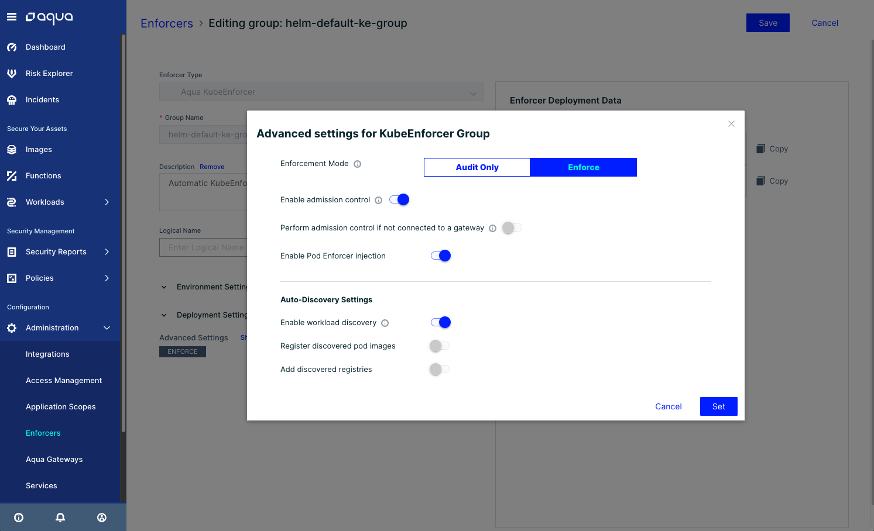
Vulnerability scanning for images and running containers · Runtime security and threat detection · Compliance and drift prevention
Aqua Security provides a robust, layered security approach essential for protecting your containerized applications from development to production.
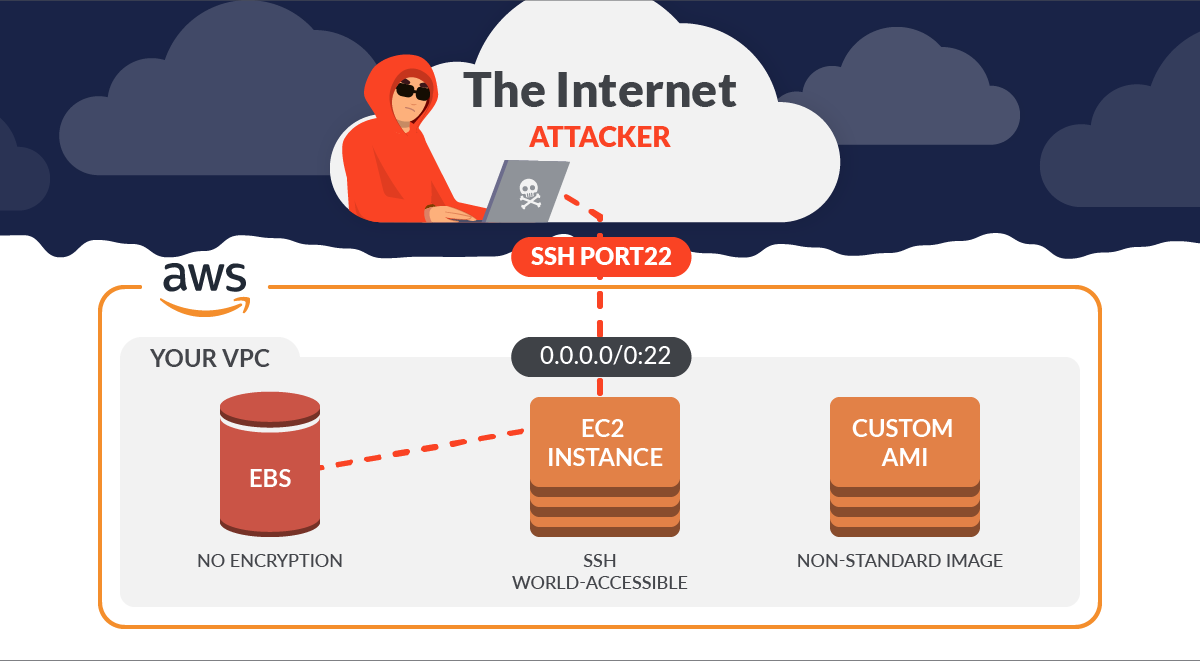
Deep visibility into container activity · Runtime threat detection and response · Vulnerability management and compliance
Sysdig Secure offers powerful runtime security and deep visibility, allowing you to detect and respond to threats in real-time within your Docker and Kubernetes environments.
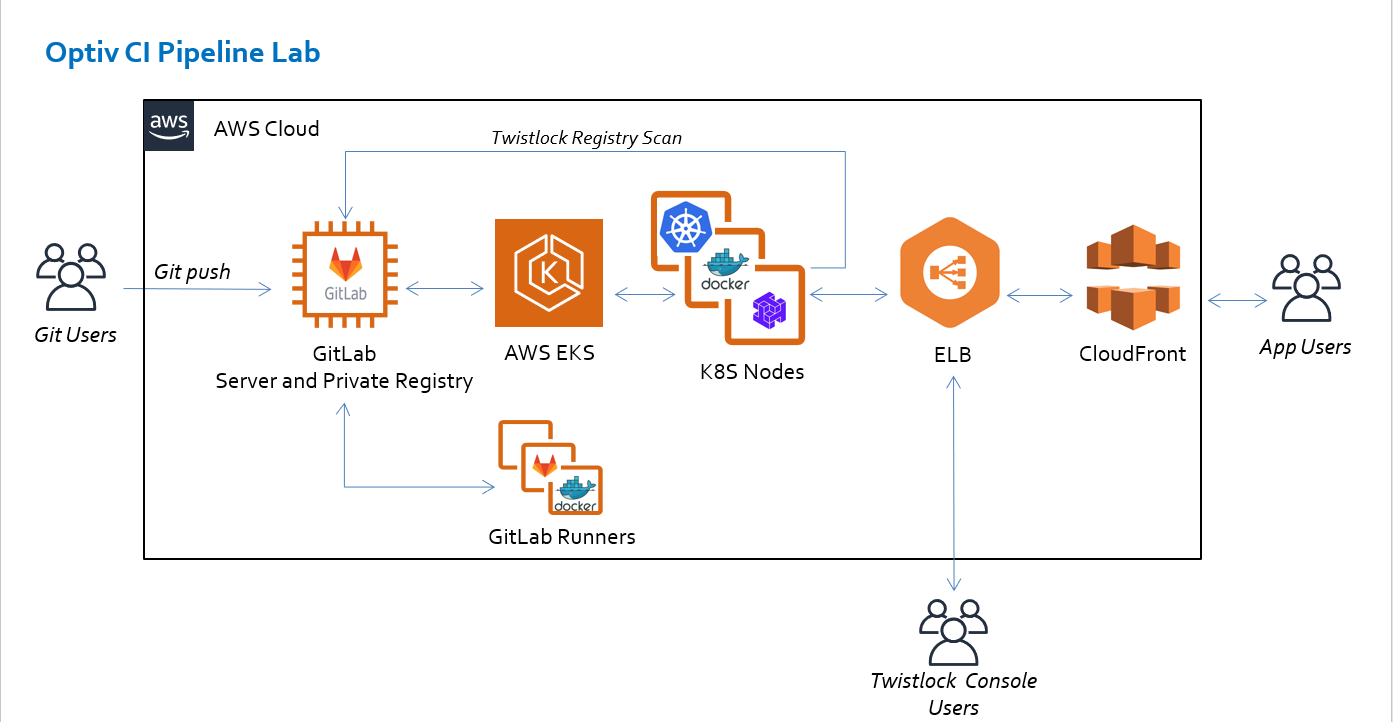
Cloud-native application protection platform · Vulnerability management across the lifecycle · Runtime defense and compliance enforcement
Prisma Cloud delivers comprehensive security for cloud-native applications, integrating vulnerability management, compliance, and runtime protection for containers.

Behavioral analytics for threat detection · Automated security and compliance monitoring · Cloud workload protection, including containers
Lacework's cloud-native approach uses behavioral analytics to detect anomalies and threats, providing continuous security for your containerized workloads.
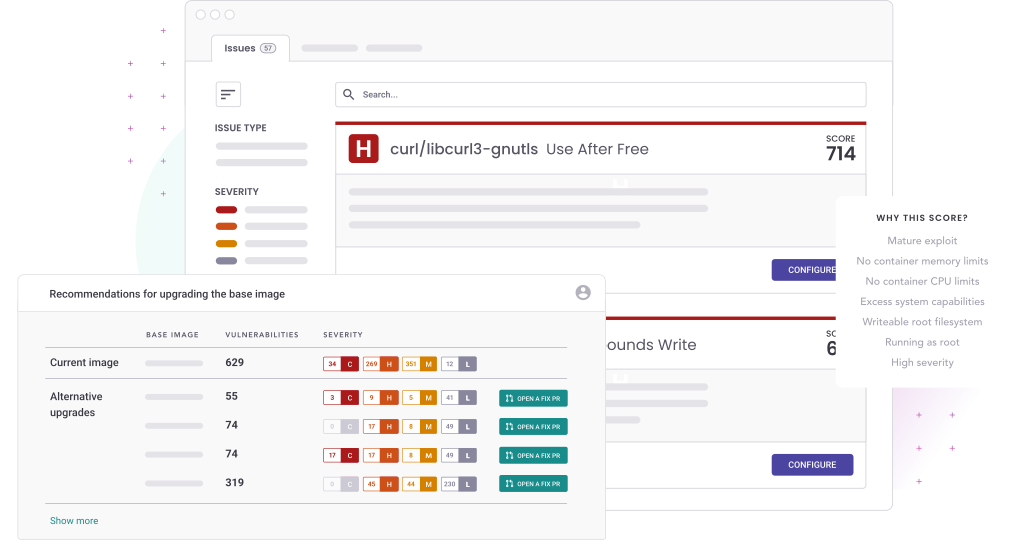
Automated vulnerability scanning for container images · Integration with CI/CD pipelines · Runtime security monitoring
Snyk is ideal for developers, providing seamless integration into the development workflow to find and fix container vulnerabilities early.
As an Amazon Associate I earn from qualifying purchases. Prices may vary.
No comments yet. Be the first to share your thoughts!