

why engineers use linux for machine learning
It feels like everywhere you look in the machine learning world, people are using Linux. It’s not just a matter of preference, or trying to look like a "tech expert’. There are real, practical reasons why so many engineers gravitate towards it for AI development. I’ve seen this trend grow steadily over the past few years, and it"s only becoming more pronounced.
Linux gives you direct control over the kernel and hardware drivers. Since it is open source, we can strip away background processes that eat up VRAM, which is vital when fitting large language models into local memory. You aren't fighting a proprietary telemetry service for CPU cycles.
Package management is another huge advantage. Tools like `apt`, `yum`, and `pacman` make it incredibly easy to install, update, and manage the vast number of libraries and frameworks required for machine learning – things like TensorFlow, PyTorch, and scikit-learn. Trying to manage all of that manually on other operating systems can be a real headache.
Ultimately, it boils down to efficiency and freedom. Linux allows you to optimize your environment for performance, experiment with different tools, and really understand what’s happening under the hood. That deeper level of control is invaluable when you’re pushing the boundaries of AI research and development.
top distributions for 2026
Choosing the 'best' Linux distro is always subjective, but based on current trends and what I'm seeing in the community, here’s my take on the top 5 for AI development in 2026. This isn't just about features; it's about how well each distro supports the specific needs of machine learning engineers.
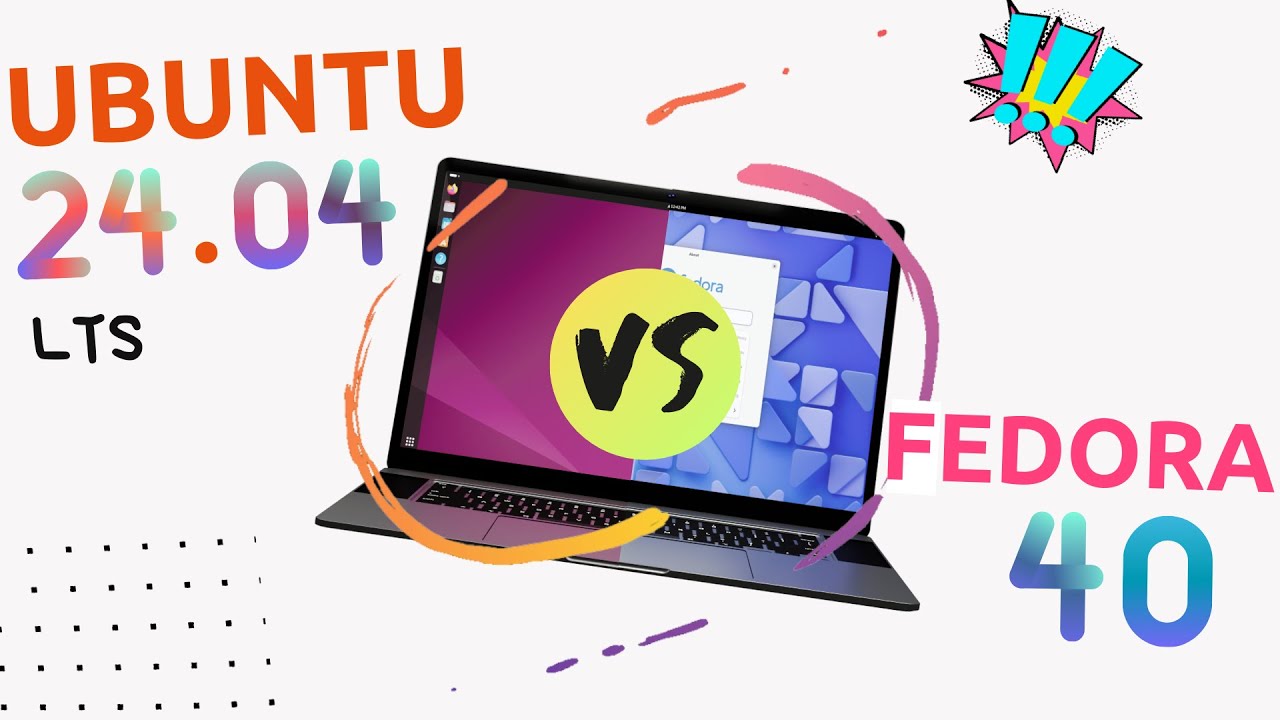
1. Ubuntu: Still the king. Ubuntu consistently ranks high due to its large community, extensive documentation, and broad software compatibility. It's a solid all-around choice, especially for beginners. The 26.04 LTS release (expected in 2026) will likely further refine its AI development capabilities.
2. Pop!_OS: System76's distribution has gained a massive following, particularly among those working with NVIDIA GPUs. Its streamlined experience and out-of-the-box support for CUDA make it a favorite for deep learning projects. It’s becoming increasingly user-friendly, too.
3. Fedora: Fedora is known for its cutting-edge software and its commitment to free and open-source software. It's a great choice for developers who want to stay on the bleeding edge, but it can be less stable than Ubuntu or Debian. Its focus on newer packages can be a boon for AI research.
4. Manjaro: A user-friendly Arch Linux-based distribution. Manjaro offers the benefits of a rolling release model (always up-to-date software) with a more accessible installation and configuration process. It strikes a good balance between stability and new features.
5. Debian: The rock-solid foundation for many other distributions. Debian prioritizes stability above all else, making it an excellent choice for production environments. It requires more manual configuration than some other distros, but the resulting system is incredibly reliable.
ubuntu for long-term stability
Ubuntu remains a dominant force in the Linux world, and for good reason. Its ease of use, massive community, and extensive software repositories make it an excellent starting point for anyone new to Linux, and a perfectly capable platform for experienced developers. The sheer volume of online documentation and tutorials is a huge asset.
The Long Term Support (LTS) releases are particularly important for AI development. These releases are supported for five years, providing a stable and reliable base for your projects. This stability is crucial when you're working on long-term research or deploying models to production. The upcoming 26.04 LTS release will likely include even more optimizations for AI workloads.
Ubuntu’s package manager, `apt`, is straightforward to use, and it provides access to a vast number of pre-built packages. Installing TensorFlow, PyTorch, and other essential AI libraries is usually a matter of a single command. This significantly reduces the setup time and allows you to focus on your work.
While not always the most cutting-edge, Ubuntu's stability and widespread adoption make it a safe and reliable choice for a wide range of AI development tasks. It’s a solid all-rounder that won’t let you down.
pop!_os and nvidia integration
Pop!_OS is the most practical choice if you use NVIDIA hardware. System76 provides an ISO with the proprietary drivers pre-baked, so you don't have to manually troubleshoot kernel headers or blacklist Nouveau drivers just to get CUDA running.
This streamlined CUDA installation process is a game-changer for deep learning projects, which often rely heavily on GPUs for training and inference. Pop!_OS also includes pre-installed tools and utilities that are useful for AI development, such as NVIDIA’s TensorRT.
While Pop!_OS is becoming more user-friendly, it's still geared more towards intermediate and advanced users. It's not necessarily the best choice for someone who has never used Linux before, but if you're comfortable with the command line and you have an NVIDIA GPU, it's definitely worth considering.
The distribution’s focus on performance and usability makes it a compelling alternative to Ubuntu, particularly for those who prioritize GPU acceleration. It's a well-designed and thoughtfully curated distribution that’s clearly aimed at developers and creators.
Featured Products
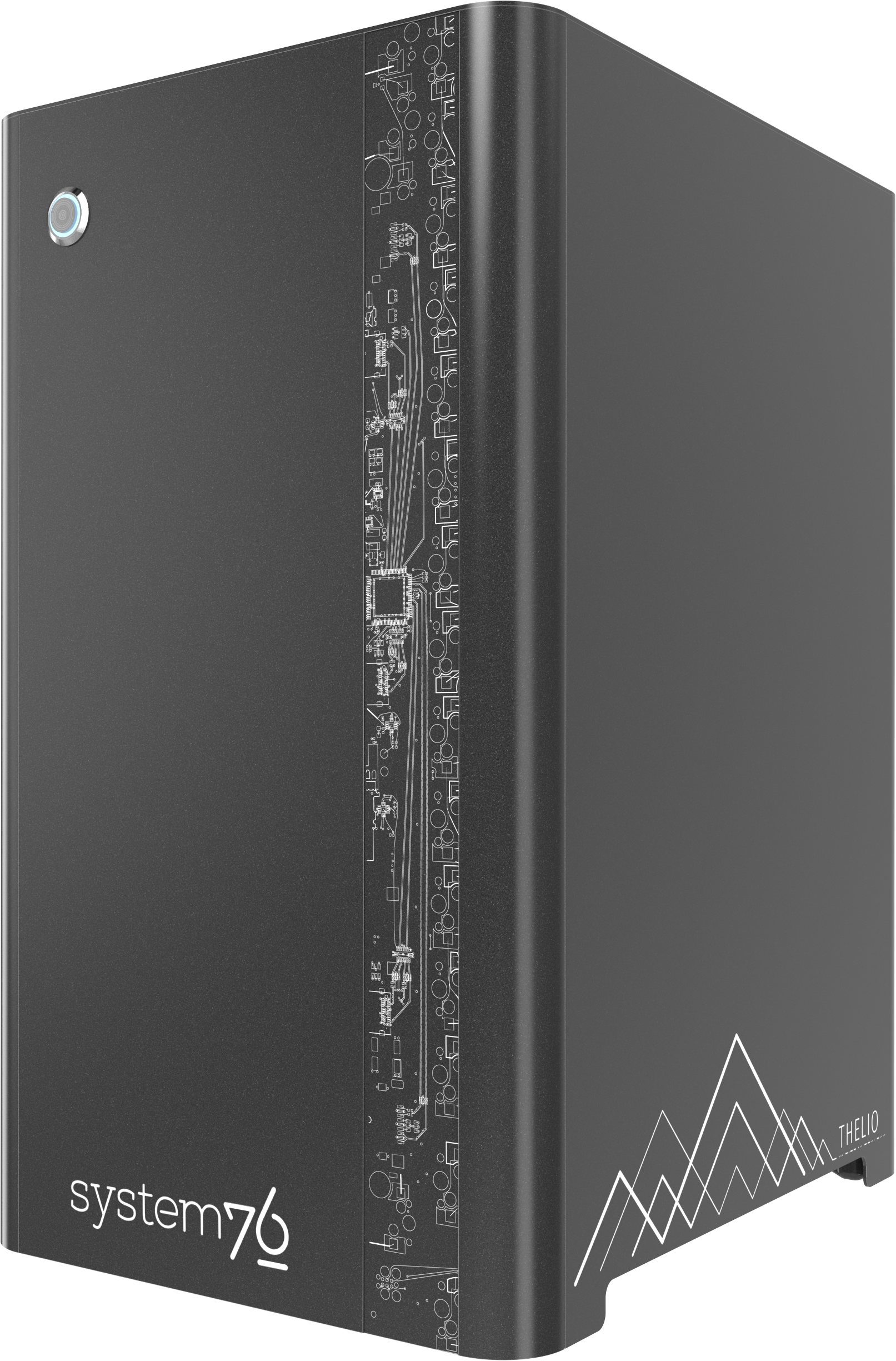
Optimized for AI and machine learning workflows · Pre-installed Pop!_OS for a streamlined setup · Powerful NVIDIA GPU for accelerated computation
System76 Thelio Major with Pop!_OS pre-installed offers a seamless setup for machine learning engineers focused on AI development with powerful NVIDIA GPUs.

14th Gen Intel Core i9-14900 24-Core Processor · 64GB DDR5 RAM for robust multitasking · NVIDIA GeForce RTX 4060 8GB GDDR6 Graphics
This Dell XPS desktop provides substantial processing power and memory, ideal for handling complex AI models and large datasets.

14th Gen Intel Core i9-14900K Processor with up to 6.00GHz Turbo Boost · 2TB SSD for ample storage and fast load times · NVIDIA GeForce RTX 3050 8GB GDDR6 Graphics
The HP Envy Desktop offers a high-performance CPU and generous SSD storage, suitable for demanding AI development tasks.

16” ROG Nebula Display with 2.5K resolution and 240Hz refresh rate · Intel® Core™ Ultra 9 275HX Processor · NVIDIA® GeForce RTX™ 5070 Ti GPU for high-end graphics performance
This ASUS ROG Strix gaming laptop delivers cutting-edge processing and graphics capabilities, making it a powerful portable workstation for AI development.

AMD Ryzen 9 365 Processor · 16" WQXGA 240Hz Copilot+ PC Mobile Workstation display · NVIDIA GeForce RTX 4060 8GB graphics
The MSI Creator A16 AI+ is a mobile workstation designed for creative professionals and AI developers, featuring a capable AMD processor and NVIDIA GPU.
As an Amazon Associate I earn from qualifying purchases. Prices may vary.
Fedora & Manjaro: Rolling Release Options
Fedora and Manjaro both offer a rolling release model, which means you always have access to the latest software packages. This can be a huge advantage for AI development, as it allows you to take advantage of the newest features and performance improvements in machine learning frameworks. However, this also comes with a trade-off: rolling releases can be less stable than traditional point releases.
Fedora is known for its commitment to free and open-source software, and it’s often at the forefront of new technologies. It’s a great choice for developers who want to experiment with the latest and greatest tools, but be prepared to deal with occasional bugs or compatibility issues. The learning curve can be a bit steeper than Ubuntu or Pop!_OS.
Manjaro, on the other hand, aims to provide a more user-friendly experience on top of the Arch Linux base. It offers a graphical installer and a more curated selection of packages, making it more accessible to newcomers. It’s a good option if you want the benefits of a rolling release without the complexity of Arch Linux.
Between the two, I’d recommend Manjaro to those new to Linux. It eases you into the rolling release model. Fedora, while powerful, might demand more troubleshooting from less experienced users. Both require diligence in keeping the system updated to avoid issues.
Debian: The Stable Foundation
Debian is renowned for its stability and reliability. It’s the foundation upon which many other distributions, including Ubuntu, are built. This makes it an excellent choice for production environments where uptime is critical. If you’re deploying AI models to a server, Debian is a strong contender.
However, Debian's focus on stability comes at a cost: it typically ships with older versions of software packages. This means you might need to manually install newer versions of certain libraries or frameworks, which can be a bit of a hassle. Its package manager, APT, is powerful but can require more command-line expertise than some others.
Debian's conservative approach to software updates ensures that your system remains stable and predictable, but it also means you might miss out on some of the latest features and performance improvements. It’s a trade-off that’s worth considering depending on your specific needs.
While it may not be the most glamorous or user-friendly distribution, Debian is a workhorse that can handle demanding workloads with ease. It's a solid choice for experienced Linux users who prioritize stability above all else.
Linux Distributions for AI Development: A Comparative Overview (2026)
| Distribution | Ideal User Profile | Key Strengths | Potential Considerations |
|---|---|---|---|
| Ubuntu | New AI/ML Engineers & Researchers | Extensive package availability and a large community provide ample support. | Can require significant storage space with a full desktop environment. |
| Pop!_OS | Deep Learning Practitioners & GPU-Focused Workloads | Excellent out-of-the-box NVIDIA GPU support and pre-configured tools. | May be less familiar to those accustomed to standard Ubuntu workflows. |
| Debian | Experienced Developers & Stability-Focused Projects | Renowned for its stability and comprehensive software repository. | The installation and configuration process can be more involved for beginners. |
| Fedora | Developers Exploring Cutting-Edge Technologies | Offers the latest software packages and a focus on innovation. | May experience occasional instability due to its rapid release cycle. |
| Arch Linux | Highly Experienced Users & Customization Enthusiasts | Provides complete control over system configuration and optimization. | Requires significant technical expertise and ongoing maintenance. |
| Manjaro | Users wanting Arch benefits with easier setup | Combines the benefits of Arch Linux with a more user-friendly installation and management experience. | Can sometimes inherit instability from upstream Arch updates. |
Qualitative comparison based on the article research brief. Confirm current product details in the official docs before making implementation choices.
No comments yet. Be the first to share your thoughts!