

AI Development: Why Linux?
If you're serious about AI and machine learning, you'll want to use Linux. It's the dominant OS in this field because it's open-source, letting you customize it deeply and access the system's core. This control is invaluable for tweaking performance in demanding tasks.
Linux package managers like `apt`, `dnf`, and `pacman` simplify installing and managing AI libraries such as TensorFlow, PyTorch, and scikit-learn. They handle dependencies more easily than other platforms and help reproduce environments across machines, which is critical for collaboration.
The command line, though it can seem intimidating, offers unmatched power and efficiency for AI/ML. Scripting and automation are common in these workflows, and the Linux terminal excels at chaining commands, automating tasks, and precise system management.
Linux also offers excellent hardware compatibility for AI/ML servers and workstations. Plus, many distributions are free, and even commercial ones have lower licensing fees than proprietary options. This saves money for the hardware—GPUs, CPUs, and memory—that truly drives performance.
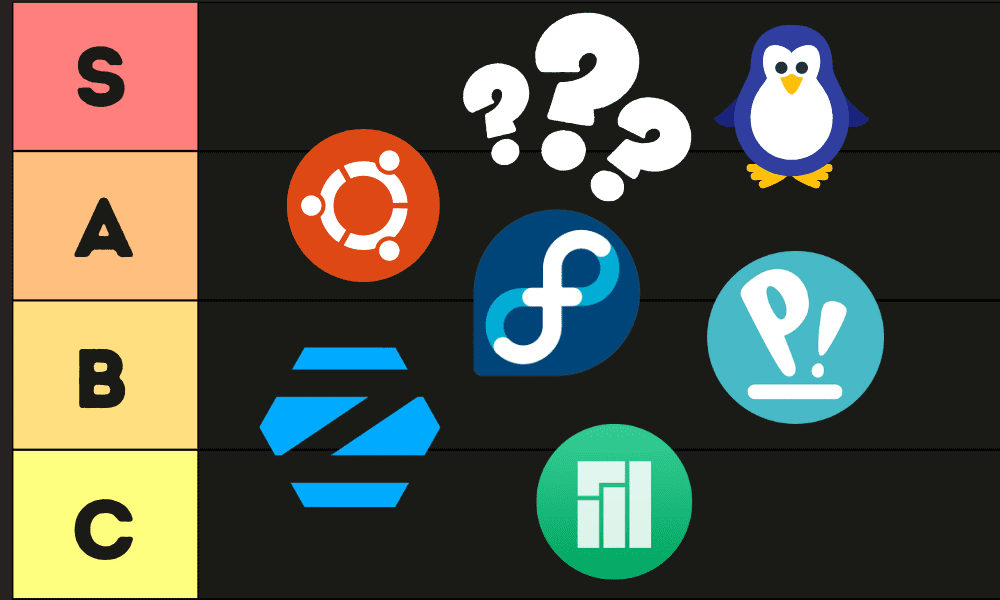
Top 7 Distros for 2026
The best Linux distro depends on your experience and needs. Here are seven top choices for AI development in 2026, focusing on what they offer machine learning engineers.
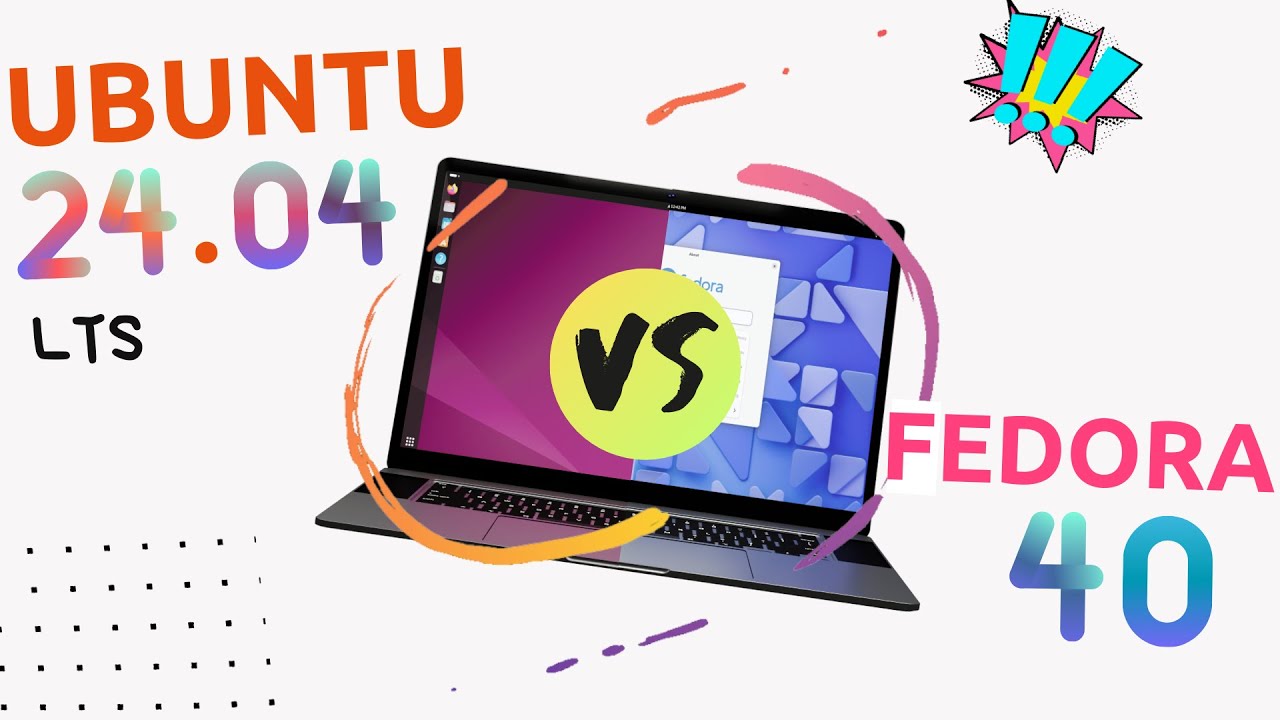
Ubuntu is a popular choice due to its massive community, extensive documentation, and readily available pre-built packages for AI/ML frameworks. Installing TensorFlow and PyTorch is often as simple as `sudo apt install tensorflow` or `sudo apt install python3-torch`. LTS releases offer stability, while regular releases provide the latest software. Ubuntu’s widespread adoption means you’ll likely find solutions to common problems online. However, its default GNOME desktop environment can be resource-intensive.
Fedora focuses on cutting-edge technology and is often the first distro to adopt new software versions, appealing to those who want the latest. Its `dnf` package manager is efficient and reliable, and it offers excellent support for NVIDIA GPUs and CUDA. Fedora’s strong commitment to free and open-source software means some proprietary codecs and drivers aren’t included by default.
Debian, the foundation for Ubuntu, is renowned for stability and reliability. While it may not always have the newest software, its solid nature is excellent for production environments. Installing AI/ML libraries with `apt` is straightforward, though you might need extra repositories for the latest versions. Debian’s large community offers ample support, and its documentation is a valuable resource.
Pop!_OS, from System76, is designed for developers and creators in AI/ML. It includes pre-installed NVIDIA drivers, making GPU-accelerated computing easy to start. Pop!_OS has a customized GNOME desktop optimized for productivity, and its automatic tiling window manager can improve workflow efficiency. It's user-friendly, even for Linux newcomers.
Arch Linux is for experienced users and follows a rolling release model, providing the latest software. It requires significant manual configuration, giving you complete system control. Installing AI/ML libraries uses the `pacman` package manager, and you might compile software from source. The learning curve is steep, but the result is a highly customized and optimized system. It’s not for beginners.
Manjaro offers an accessible entry to the Arch Linux ecosystem. Based on Arch, it provides a user-friendly installation and pre-configured desktops. Its `pacman` package manager makes software installation and updates easy. It balances customization with ease of use, a good choice for those wanting Arch benefits without the steep learning curve.
openSUSE has two flavors: Leap (stable, long-term support) and Tumbleweed (rolling release, like Arch). Its `zypper` package manager is powerful and efficient, with excellent support for NVIDIA GPUs and CUDA. The YaST configuration tool simplifies system administration. It’s a solid distribution for AI development.
- Ubuntu
- Fedora
- Debian
- Pop!_OS
- Arch Linux
- Manjaro
- openSUSE
Essential Hardware for AI Development on Linux
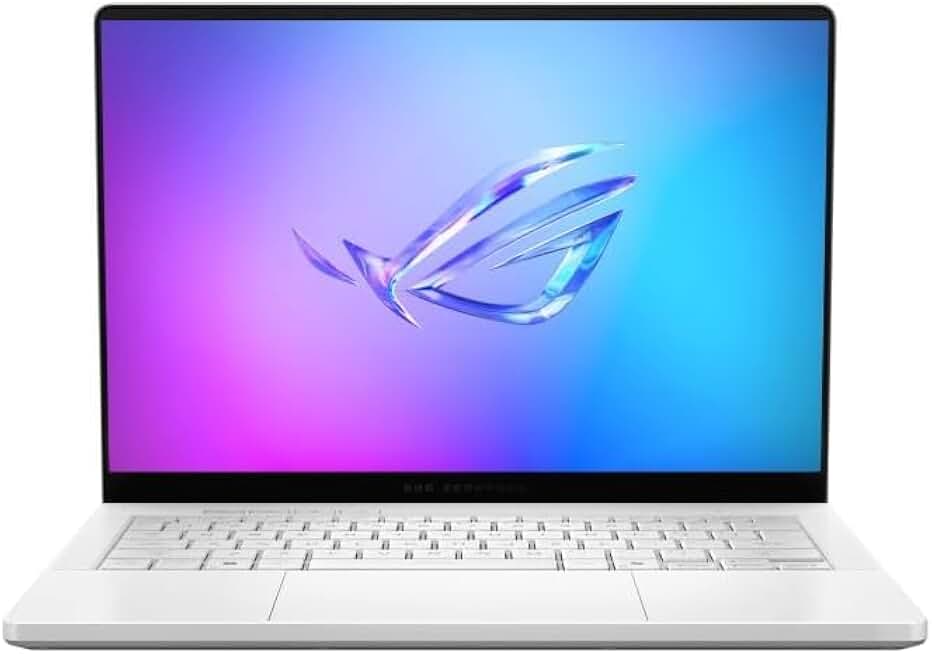
14" 3K OLED 120Hz Display · AMD Ryzen AI 9 HX 370 Processor · NVIDIA RTX 5070 Ti GPU with 12GB VRAM
This high-performance laptop offers a powerful combination of CPU, GPU, and ample RAM, ideal for demanding AI workloads.

External GPU enclosure compatible with Thunderbolt 4/5 and USB 4 · Supports full-height, 4-slot wide NVIDIA/AMD graphics cards · PCIe 4.0 support
The Razer Core X V2 allows you to add a desktop-class GPU to a laptop, significantly boosting processing power for AI tasks.

1TB PCIe 4.0 M.2 2280 NVMe SSD · Sequential Read Speeds up to 7,450 MB/s · Optimized for high-end computing and workstations
This fast SSD ensures quick loading times for large datasets and models, accelerating your development workflow.

Wireless illuminated keyboard with Perfect Stroke keys · Logi Bolt technology for secure wireless connection · Multi-device connectivity via Bluetooth or Logi Bolt
The Logitech MX Keys provides a comfortable and reliable typing experience, essential for long coding sessions.

32GB (2x16GB) DDR4 RAM · Speed up to 3200MHz · Low latency CL16-20-20-38 timings
This RAM kit provides sufficient capacity and speed for handling large datasets and complex machine learning models in memory.
As an Amazon Associate I earn from qualifying purchases. Prices may vary.
Package Management Deep Dive
Knowing your distro's package manager is essential for AI development. Ubuntu and Debian use `apt` with pre-compiled packages. To install TensorFlow, run `sudo apt update` then `sudo apt install python3-tensorflow`. Fedora uses `dnf`, openSUSE uses `zypper`, and Arch/Manjaro use `pacman`, known for its simplicity and speed.
Virtual environments, like Python's `venv` or `conda`, are crucial for managing dependencies. They create isolated project environments, preventing conflicts between library versions, which is important when working on multiple AI/ML projects. Activate an environment with `source /bin/activate`.
Dependency management can be tricky. Package managers usually handle required versions automatically, but conflicts can arise. You might need to resolve dependencies manually or use containerization like Docker.
CUDA and GPU Support
NVIDIA GPUs are essential for deep learning, so proper CUDA support is paramount. Installing NVIDIA drivers and the CUDA toolkit is often the most challenging part of setting up Linux for AI/ML. Pop!_OS simplifies this by including NVIDIA drivers by default. For other distros, download drivers from NVIDIA’s website and install them manually.
undefined
AMD GPU support is improving, but it generally lags behind NVIDIA. The ROCm platform is AMD’s equivalent of CUDA, but it’s not as widely supported by AI/ML frameworks. While ROCm is making strides, it's still more common to encounter compatibility issues and limited performance compared to NVIDIA GPUs. For most serious deep learning work in 2026, NVIDIA remains the preferred option.
CUDA Installation & Configuration Ease - Linux Distros for AI Development (2026)
| Distro | Driver Installation Difficulty | CUDA Toolkit Installation Difficulty | Community Support for CUDA Issues |
|---|---|---|---|
| Ubuntu | Easy | Easy | Excellent |
| Pop!_OS | Easy | Easy | Excellent |
| Fedora | Medium | Medium | Good |
| Debian | Medium | Medium | Good |
| Arch Linux | Hard | Hard | Fair |
| Manjaro | Medium | Medium | Good |
| Linux Mint | Easy | Easy | Good |
Illustrative comparison based on the article research brief. Verify current pricing, limits, and product details in the official docs before relying on it.
Community & Support Networks
A strong community can be a lifesaver when you encounter problems. Ubuntu has the largest and most active community, with countless forums, tutorials, and online resources. Fedora and Debian also have large and helpful communities. The Arch Linux community is known for its expertise, but it can be less welcoming to beginners. Pop!_OS has a growing community, and System76 provides excellent support.
The Level1Techs forum, as mentioned in the provided research, is a valuable resource for Linux users of all levels. It’s a great place to ask questions, share knowledge, and get help with troubleshooting. Many distributions also have dedicated AI/ML forums or channels on platforms like Discord and Slack. Leveraging these resources can significantly reduce your learning curve and accelerate your development process.
Desktop Environment Considerations
The desktop environment (DE) impacts both performance and usability. GNOME and KDE Plasma are feature-rich but can be resource-intensive, especially on older hardware. XFCE is a lightweight DE that’s ideal for machines with limited resources. Choosing a DE depends on your hardware capabilities and personal preferences. If you have a powerful workstation, GNOME or KDE Plasma can provide a comfortable and productive environment.
For AI/ML development, a minimalist DE like XFCE can free up valuable resources for training models and running simulations. However, it might require more manual configuration to achieve the same level of functionality as a more feature-rich DE. Ultimately, the best DE is the one that allows you to work most efficiently and comfortably.
Distro Standouts: Pop!_OS and Fedora
While all the distributions discussed are viable options, Pop!_OS and Fedora consistently receive high marks from AI/ML developers. Pop!_OS’s pre-installed NVIDIA drivers and optimized GNOME desktop environment make it incredibly easy to get started with GPU-accelerated computing. It’s a particularly good choice for beginners and those who want a hassle-free experience.
Fedora’s commitment to cutting-edge technology and its excellent support for NVIDIA GPUs make it a compelling option for those who want to stay on the bleeding edge. Its `dnf` package manager is efficient and reliable, and its strong focus on free and open-source software appeals to many developers. Both distributions offer a robust and well-supported platform for AI/ML development.
No comments yet. Be the first to share your thoughts!