

linux for machine learning
For anyone seriously involved in artificial intelligence or machine learning, the question isn’t if you should use Linux, but which distribution. It’s become the standard for a reason. The open-source nature of Linux allows for unparalleled customization and access, something often restricted by proprietary operating systems. This is especially important when you’re tweaking algorithms and need to understand exactly how things are working under the hood.
The command-line interface, while initially intimidating to some, offers a level of control and automation that’s incredibly valuable for data scientists and machine learning engineers. Package management systems like apt, yum, and pacman make installing and managing the vast array of tools and libraries necessary for AI development remarkably straightforward. You’re not fighting the OS; it’s working with you.
While Windows and macOS can be used for AI development, they often involve compatibility layers or virtualization, which can introduce performance overhead. Reproducibility is also a major concern. Linux, with its emphasis on standardization and containerization technologies like Docker, makes it far easier to create consistent and reproducible environments across different machines. This is critical for collaborative projects and deploying models to production.
The ability to quickly iterate, test, and deploy models is paramount in AI. Linux provides the flexibility and performance needed to do this efficiently. It's not simply a matter of preference; in many cases, using Linux is a practical necessity for staying competitive and achieving optimal results. It’s the environment where a huge amount of the foundational work in AI is done.
seven distributions for 2026
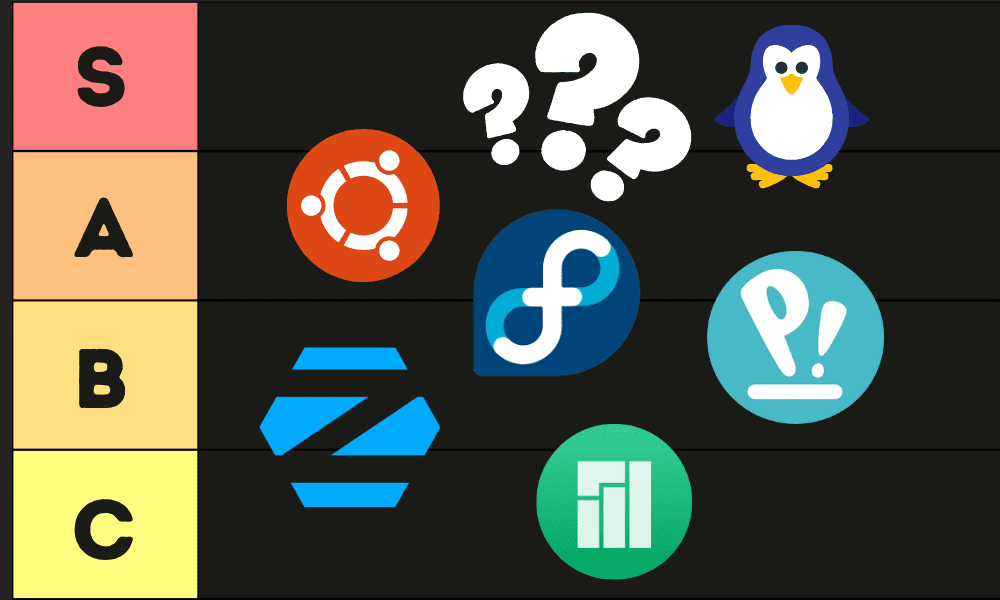
Choosing the right Linux distribution can feel overwhelming. Each distro has its strengths and weaknesses, and the 'best' one depends heavily on your experience level, hardware, and specific needs. Here’s a rundown of seven excellent options for machine learning in 2026, ranked with consideration for both beginners and experienced users.
1. Ubuntu: Still the king for a reason. Ubuntu boasts a massive community, extensive documentation, and excellent support for AI frameworks like TensorFlow and PyTorch. It's incredibly beginner-friendly, making it a great starting point. However, the increasing use of snaps can sometimes lead to performance issues or unexpected behavior.
2. Pop!_OS: Developed by System76, Pop!_OS is specifically designed for developers and creators, with a strong emphasis on NVIDIA GPU support. It often includes pre-configured settings and automatic driver installation, simplifying the setup process. It’s a fantastic choice if you have an NVIDIA card and want a hassle-free experience.
3. Fedora: A community-driven distribution known for its commitment to free and open-source software. Fedora is often at the forefront of new technologies, which can be both a blessing and a curse. It’s a good choice for those who want the latest and greatest, but it might require more troubleshooting.
4. Debian: The rock-solid foundation upon which many other distributions (including Ubuntu) are built. Debian prioritizes stability and reliability, making it ideal for production environments. It might not have the newest software packages, but you can trust it to just work.
5. Manjaro: A user-friendly distribution based on Arch Linux. Manjaro provides a graphical installer, pre-configured desktop environments, and a curated software repository, making Arch more accessible to beginners. It's a good compromise between control and convenience.
6. Arch Linux: The ultimate DIY distribution. Arch gives you complete control over every aspect of your system. It's incredibly powerful, but it requires a significant amount of technical knowledge and a willingness to learn. This is not a distro for the faint of heart.
7. openSUSE: A versatile distribution with a unique YaST configuration tool that simplifies system administration. openSUSE offers both a stable (Leap) and a rolling release (Tumbleweed) version, allowing you to choose the level of stability that suits your needs. It’s a solid alternative to Ubuntu or Fedora.
Featured Products

Intel 14th Generation Core i7-14700K Processor · 32GB DDR5 RAM · 2TB SSD Storage
This desktop provides a strong foundation with its high-performance CPU, ample RAM, and fast storage, suitable for handling demanding AI workloads.

Intel Ultra 7-265 Processor · 32GB DDR5 RAM · 1TB SSD Storage
This AI PC offers a compelling balance of modern processing power, sufficient memory, and fast storage at a competitive price point, ideal for AI tasks.
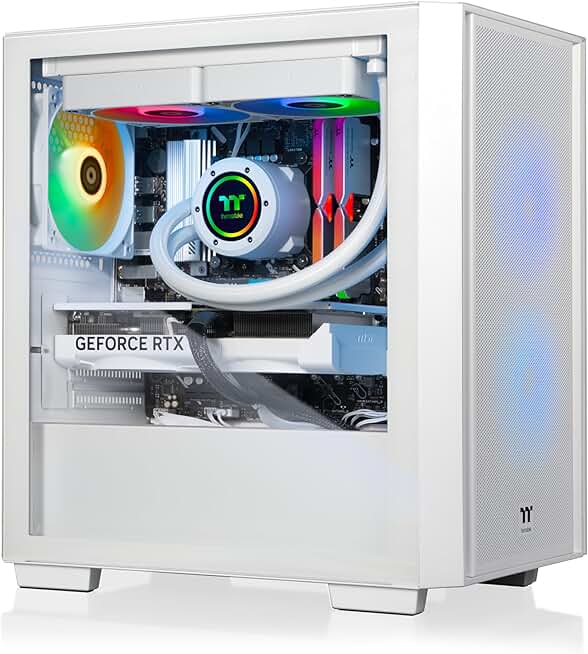
Intel Core i9-14900KF Processor · 32GB 6000MT/s DDR5 RGB Memory · NVIDIA GeForce RTX 5070 GPU
This workstation boasts a top-tier CPU and a powerful GPU, essential for accelerating complex AI model training and development.
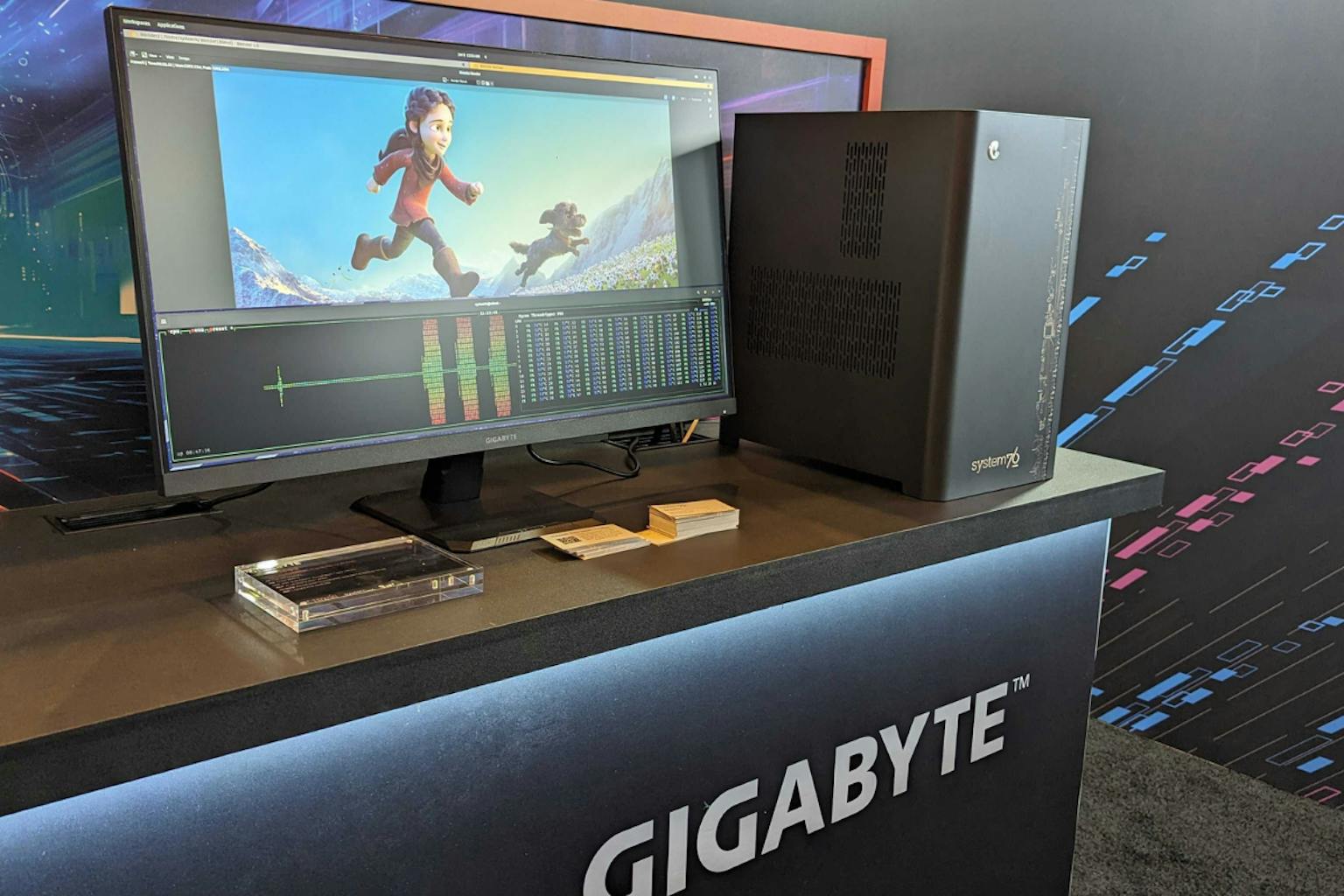
Customizable Intel Core Processors · Ample DDR4/DDR5 RAM Options · Fast Storage Configurations
System76 is renowned for its Linux-first approach, offering powerful, customizable hardware with an optimized OS ideal for AI development.

High-End NVIDIA GPUs · Configurable High RAM Capacities · Fast NVMe SSD Storage
Lambda Labs specializes in AI hardware, providing powerful, purpose-built workstations with top-tier GPUs and Linux pre-installed for immediate AI development.
As an Amazon Associate I earn from qualifying purchases. Prices may vary.
ubuntu
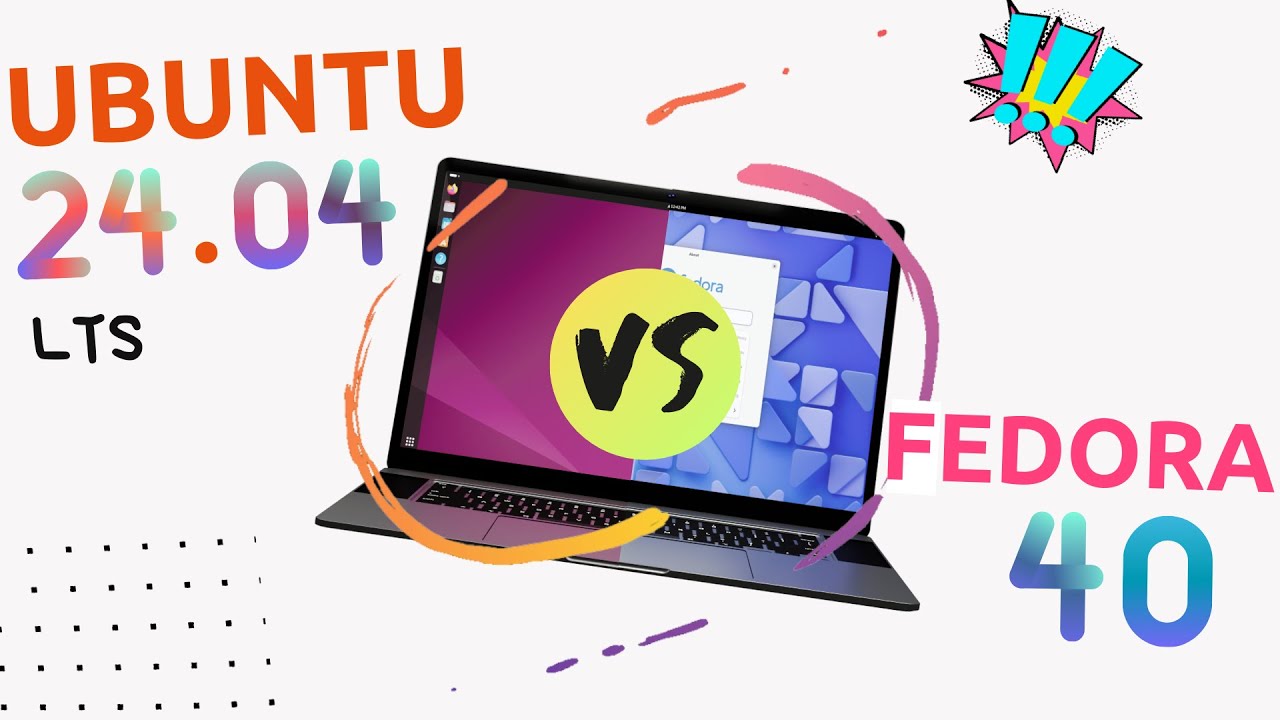
Ubuntu is the default. If a new library comes out, the 'Quick Start' guide is written for Ubuntu 24.04 or 26.04. You can install PyTorch with a single pip command and expect the dependencies to resolve without manual symlinking. I've found that when things break, the fix is usually a five-minute search away because someone else already hit that bug on the same version.
However, Ubuntu isn’t without its drawbacks. The increasing reliance on snap packages has drawn criticism from some users, who report slower performance and compatibility issues. While snaps aim to simplify software management, they can sometimes feel restrictive. Different Ubuntu flavors, like Kubuntu (KDE desktop) and Xubuntu (XFCE desktop), offer alternative desktop environments, but they don’t fundamentally change the core Ubuntu experience.
For AI development, sticking with the Long Term Support (LTS) releases is generally recommended. LTS releases are supported for five years, providing a stable platform for your projects. While newer releases offer the latest features, they also come with a higher risk of bugs and compatibility issues. Ubuntu is a solid, dependable choice, especially for beginners.
pop!_os and nvidia
Pop!_OS, created by System76, has quickly become a favorite among machine learning engineers, particularly those with NVIDIA GPUs. System76 designs and sells its own hardware, and Pop!_OS is optimized to work seamlessly with their systems. But even if you don’t have a System76 machine, the benefits are significant.
One of the biggest advantages of Pop!_OS is its excellent NVIDIA driver support. The distribution often includes the latest drivers pre-installed, and the installation process is incredibly simple. This is a major time-saver, as driver installation can be a notoriously frustrating experience on other distributions. The OS also handles the complexities of CUDA configuration, making it easier to get started with GPU acceleration.
Beyond NVIDIA support, Pop!_OS also features a tiling window manager, which can significantly improve productivity for developers. While it takes some getting used to, a tiling window manager allows you to organize your workspace more efficiently. Pop!_OS is a relatively new distribution, but it’s rapidly gaining popularity and is a compelling alternative to Ubuntu.
arch and manjaro
Arch Linux and Manjaro represent two different approaches to the same underlying philosophy: providing a highly customizable and flexible Linux experience. Arch Linux is the ultimate DIY distribution. You start with a minimal base system and build it up from scratch, choosing every component yourself. This gives you complete control, but it also requires a significant amount of technical expertise.
Manjaro, on the other hand, is based on Arch Linux but aims to be more user-friendly. It provides a graphical installer, pre-configured desktop environments, and a curated software repository. This makes Arch more accessible to beginners, while still retaining much of its flexibility. The Arch User Repository (AUR) is a treasure trove of community-maintained packages, offering access to a vast amount of software.
Both distributions follow a rolling release model, meaning you always have the latest software updates. This can be a benefit, but it also means you might encounter bugs or compatibility issues more frequently. Arch Linux has a steep learning curve, but the level of control it offers is unmatched. Manjaro strikes a balance between control and convenience.
fedora and opensuse
Fedora and openSUSE are both excellent Linux distributions that often get overlooked. Fedora is a community-driven distribution sponsored by Red Hat. It’s known for its commitment to free and open-source software and its frequent updates. This makes it a good choice for those who want to stay on the cutting edge of technology.
openSUSE offers a unique approach to system administration with its YaST configuration tool. YaST provides a graphical interface for managing almost every aspect of your system, making it easier to configure and maintain. openSUSE also offers both a stable (Leap) and a rolling release (Tumbleweed) version, giving you the flexibility to choose the level of stability that suits your needs.
Fedora uses the DNF package manager, while openSUSE uses Zypper. Both are powerful and reliable package managers. These distributions are solid choices for users who want something different from Ubuntu or Arch. They offer a good balance of features, stability, and customization.
gpu drivers and cuda
For machine learning, especially deep learning, GPU acceleration is essential. NVIDIA GPUs and the CUDA toolkit are the dominant platform for GPU computing. Ensuring proper driver installation and CUDA configuration is therefore critical. Most distributions make this process relatively straightforward, but some are better than others.
Pop!_OS excels in this area, with automatic driver installation and pre-configured settings. Ubuntu also provides good NVIDIA driver support, although manual configuration might be required in some cases. Fedora and openSUSE generally require more manual intervention. Arch Linux gives you the most control, but also the most responsibility.
Alternatives to CUDA, such as ROCm for AMD GPUs, are gaining traction. However, CUDA remains the dominant platform, and most machine learning libraries and frameworks are optimized for it. Keep an eye on ROCm’s development, but for now, focusing on CUDA support is generally the best approach. Checking the specific documentation for your GPU and chosen distribution is always recommended.
Linux Distros for AI Development: A Comparison
| Distribution | CUDA Installation | ROCm Support | Community & Package Availability | Overall Suitability |
|---|---|---|---|---|
| Ubuntu | Easy | Limited | Very Large, Extensive | Excellent starting point, broad compatibility. |
| Pop!_OS | Easy | Limited | Large, Gaming/Creator Focused | Good out-of-the-box experience for NVIDIA users, streamlined. |
| Fedora | Medium | Yes | Large, Cutting Edge | Strong support for newer technologies, requires more configuration. |
| Debian | Medium | Limited | Very Large, Stable | Excellent stability, may require manual package updates for latest AI tools. |
| Arch Linux | Hard | Yes | Large, Rolling Release | Highly customizable, steep learning curve, best for experienced users. |
| Manjaro | Medium | Yes | Large, User-Friendly Arch | More accessible Arch experience, good hardware detection. |
| Rocky Linux | Medium | No | Large, Enterprise-Grade | Focus on stability and compatibility, may lag on newest AI packages. |
Qualitative comparison based on the article research brief. Confirm current product details in the official docs before making implementation choices.
No comments yet. Be the first to share your thoughts!