

Why Linux Powers Security Tools
Linux is the operating system of choice for cybersecurity professionals because it offers native compatibility with industry-standard tools. Platforms like Kali Linux, Parrot OS, and specialized network management distributions are built on the Linux kernel, ensuring utilities like Metasploit, Wireshark, and Nmap run with necessary privileges and performance without emulation overhead.
The open-source nature of Linux allows for granular control over the system environment. Security researchers can audit every line of code in the kernel and installed packages, eliminating the "black box" uncertainty associated with proprietary operating systems. This transparency is critical when analyzing malware or securing network infrastructure, as it ensures no hidden backdoors or telemetry services compromise the integrity of the work.
For network management, Linux provides robust command-line interfaces and scripting capabilities that automate complex tasks across thousands of devices. Distributions like Ubuntu Server and Debian are staples in data centers, offering stable, long-term support cycles that align with enterprise infrastructure requirements. This stability, combined with the vast repository of community-driven security patches, makes Linux the only viable foundation for modern cyber defense and network operations.
Kali Linux for penetration testing
Kali Linux is the leading distribution for penetration testing, offering a specialized environment built for security professionals and students. It ships with over 600 pre-installed tools, making it a comprehensive suite for network analysis, vulnerability assessment, and wireless attacks. Unlike general-purpose distributions, Kali is optimized for performance in high-stakes security engagements.
The distribution’s strength lies in its curated toolset. Security teams rely on tools like Metasploit for exploit development, Wireshark for packet analysis, and Nmap for network discovery. These utilities are configured out-of-the-box, reducing setup time and allowing testers to focus on execution rather than configuration. The active community and extensive documentation further support users, ensuring that even complex tasks are approachable.
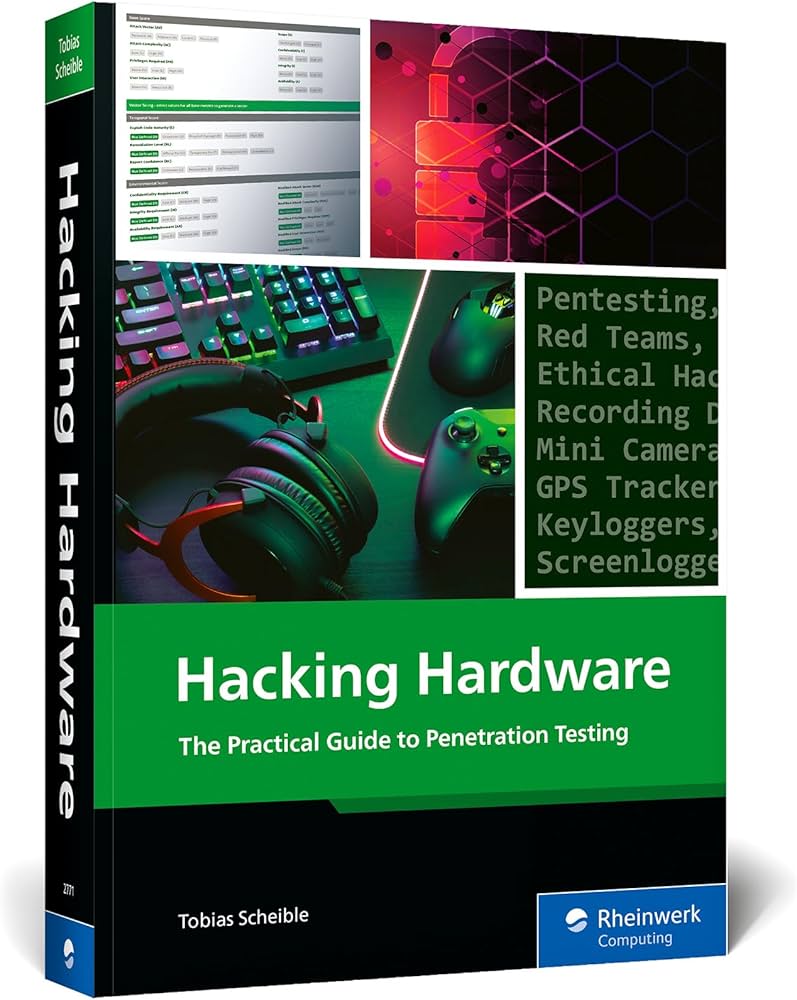
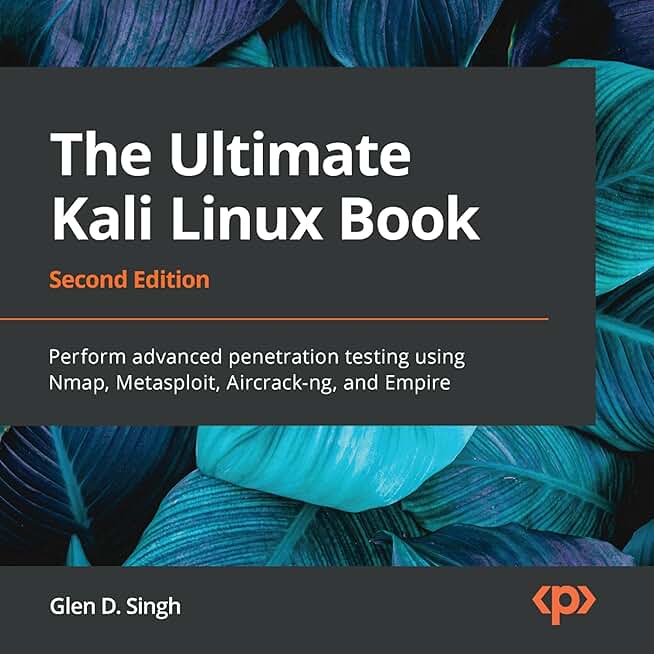
While the operating system itself is free, building a robust testing lab often requires additional hardware and educational resources. Below are popular books and hardware kits available on Amazon that complement your Kali Linux setup for hands-on practice.


As an Amazon Associate, we may earn from qualifying purchases.
Parrot OS for lightweight security
Parrot OS offers a compelling alternative to Kali Linux for professionals who need a daily-driver operating system that doesn't sacrifice security capabilities. Built on Debian Stable, it provides the reliability of a mature base while including a curated selection of penetration testing and forensics tools. The MATE desktop environment is notably lighter than Kali’s GNOME setup, making Parrot an excellent choice for older hardware or virtual machines with limited resources.
The distribution ships with essential security suites pre-installed, including Metasploit, Wireshark, and Nmap. This "security edition" allows you to jump straight into network analysis and vulnerability assessment without the lengthy initial configuration required by other distros. For developers, the "home edition" provides a robust coding environment with Python, Docker, and various IDEs, bridging the gap between development and security testing workflows.
Parrot OS vs. Kali Linux
While Kali is often cited as the standard for offensive security, Parrot distinguishes itself through resource efficiency and daily usability. Kali is sometimes criticized for its heavy footprint and tendency to break if not carefully maintained, whereas Parrot’s Debian base ensures stability. Parrot also includes a built-in virtualization manager and a privacy-focused browser (Anonsurf) that routes traffic through Tor by default, features that are less central to Kali’s design.
| Feature | Parrot OS | Kali Linux |
|---|---|---|
| Base System | Debian Stable | Debian Testing |
| Default Desktop | MATE (Lightweight) | GNOME (Heavy) |
| Daily Driver Use | Optimized | Challenging |
| Pre-installed Tools | Metasploit, Wireshark, Nmap | 500+ Security Tools |
| Privacy Features | Anonsurf (Tor) | Manual Tor Setup |
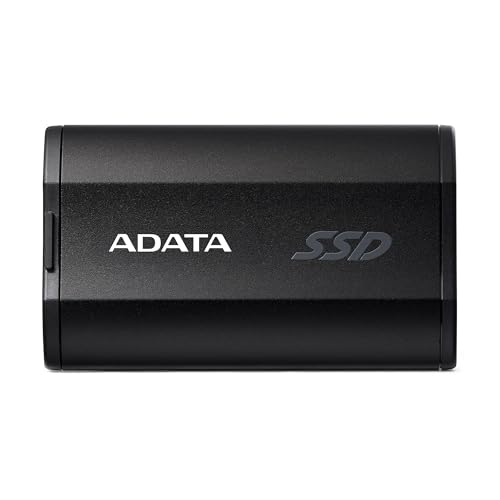
For those looking to build a secure workstation, investing in adequate RAM (16GB+) and a fast SSD will significantly improve the performance of these virtualized environments. Parrot’s lightweight nature means it runs smoothly on modest hardware, but modern security tasks like running multiple containers or complex exploits benefit from faster storage and memory.


As an Amazon Associate, we may earn from qualifying purchases.
The Parrot OS community is active and supportive, providing extensive documentation for both security practitioners and developers. Whether you are auditing network traffic or developing secure applications, Parrot provides a balanced, efficient platform that respects your system’s resources while delivering professional-grade tools.
BlackArch: The Rolling-Release Arsenal
BlackArch is not a standalone operating system; it is a massive repository of security tools built on top of Arch Linux. This distinction matters because it means you are installing a rolling-release base system that updates continuously, paired with a curated collection of over 2,800 penetration testing utilities. It is designed for experienced Linux users who already understand Arch’s installation process and package management.
The distribution includes nearly every tool available in the standard Arch User Repository (AUR) plus hundreds of additional specialized instruments. You get access to Metasploit, Wireshark, Aircrack-ng, John the Ripper, and Burp Suite out of the box. Rather than choosing individual tools, you install the entire repository or specific categories, ensuring your toolkit is always current without manual updates.
This approach suits advanced researchers and security professionals who need a comprehensive, up-to-date environment. However, it is not recommended for beginners. The Arch-based foundation requires comfort with command-line configuration, and the sheer volume of tools can be overwhelming. If you are new to Linux security, start with a user-friendly distro like Kali Linux or Parrot OS before attempting BlackArch.
For those ready to tackle the complexity, BlackArch provides a powerful, unified workspace. You can download the standalone ISO or add the BlackArch repository to an existing Arch Linux installation. This flexibility allows you to maintain your preferred base system while gaining access to the industry’s largest collection of security tools.


As an Amazon Associate, we may earn from qualifying purchases.
Kali, Parrot, and BlackArch: Side-by-Side Comparison
Choosing the right distribution depends on your hardware constraints and experience level. While all three offer powerful cybersecurity toolsets, they differ significantly in resource overhead and default configurations. Kali Linux remains the industry standard for penetration testing, offering the widest community support and documentation. Parrot OS focuses on lightweight performance and privacy, making it ideal for older hardware or daily driving alongside security work. BlackArch provides the largest repository of hacking tools but requires a more experienced user to manage its complexity.
The table below breaks down the essential differences to help you decide which distro fits your workflow.
| Distribution | Min. RAM | Tool Count | Ideal Use Case |
|---|---|---|---|
| Kali Linux | 2 GB | 600+ | Penetration testing & certifications |
| Parrot OS | 1 GB | 400+ | Low-end hardware & privacy |
| BlackArch | 2 GB | 2,800+ | Advanced users & research |
Kali Linux is the go-to choice for students and professionals preparing for certifications like OSCP, thanks to its extensive documentation and community. Parrot OS is better suited for security researchers who need a lightweight, anonymous environment for malware analysis or daily use. BlackArch is a rolling-release Arch-based distro that appeals to experts who want maximum tool availability without manual installation, though it demands more system resources and technical know-how to maintain.
Essential network management distros
While security distros focus on breaking systems, network management distros are built to keep them running. These distributions prioritize stability, package availability, and pre-configured toolsets for monitoring, routing, and traffic analysis. For network administrators, the goal is visibility and control rather than exploitation.
Ubuntu Server remains the most practical choice for general network management. Its vast repository ensures that essential tools like netplan for network configuration, Prometheus for monitoring, and Grafana for visualization are readily available. It supports the full stack of network administration tasks, from setting up DNS servers to managing complex routing tables, without the overhead of a desktop environment.
For specialized network analysis, Kali Linux is often used, but it includes a comprehensive suite of network management tools as well. Beyond penetration testing, it provides Wireshark for deep packet inspection and Nmap for network discovery. These tools are pre-installed and configured, allowing administrators to audit network health and security posture simultaneously. The ability to switch between management and security modes makes it a versatile single-ISO solution for hybrid roles.
Other specialized distributions like pfSense or OPNsense are designed specifically as firewall and router appliances. They offer a web-based GUI for managing interfaces, DHCP, and VLANs, making them ideal for small to medium-sized networks. These systems are lightweight, secure, and focused entirely on network infrastructure, providing a stable foundation for enterprise connectivity.
How to choose your Linux distro
Selecting the right operating system for cybersecurity and network management requires matching the distro’s architecture to your specific hardware constraints, skill level, and toolset requirements. A powerful distribution is useless if it cannot run on your available hardware or if its package management system lacks the specific utilities you need for your daily tasks.

Cybersecurity tools like Metasploit, Wireshark, and Burp Suite are resource-intensive. If you are running these on older hardware or within virtual machines, prioritize lightweight distributions like Debian or Alpine Linux. These systems consume fewer resources, leaving more CPU and RAM for your security applications. Conversely, if you have a high-end workstation, you can leverage the heavier, feature-rich environments of Kali or Parrot OS without performance penalties.

Your comfort level with the command line dictates your distro choice. Beginners often find Ubuntu or Linux Mint more approachable due to their extensive documentation and graphical package managers. However, for those focused on network management and penetration testing, Kali Linux and Parrot OS are designed with security professionals in mind. These distributions come pre-loaded with hundreds of security tools, reducing the setup time required to build a functional pentesting environment.

Not all distributions offer the same breadth of cybersecurity utilities out of the box. Kali Linux is the industry standard for penetration testing, featuring over 600 pre-installed tools. If your primary goal is network analysis, ensure your chosen distro supports the necessary packet capture libraries and network scanning utilities. For general network management, distributions like openSUSE offer robust networking tools and configuration utilities that streamline server maintenance.

As an Amazon Associate, we may earn from qualifying purchases.
Frequently asked: what to check next
Is Kali Linux legal to use?
Yes, Kali Linux is completely legal. It is a Debian-based distribution maintained by Offensive Security specifically for digital forensics and penetration testing. The legality depends on your intent: using it to test systems you own or have explicit permission to audit is standard professional practice. Unauthorized scanning or attacking of networks is illegal regardless of the tools used.
Can I dual boot Kali with Windows?
You can dual boot Kali Linux with Windows, but it requires careful partitioning. Because Kali is designed as a live environment or a dedicated security workstation, it does not handle Windows updates or file system interactions well. Most professionals prefer using a virtual machine (VM) via VirtualBox or VMware for daily Windows compatibility, reserving a dual-boot setup only for hardware-specific tasks like WiFi card injection testing.
Which distro is best for beginners in cybersecurity?
For beginners, Parrot Security OS is often the most accessible choice. It features a lightweight MATE desktop environment and includes essential tools like Wireshark and Metasploit pre-installed, similar to Kali, but with a more user-friendly interface and better daily-driver usability. Kali Linux remains a standard, but its terminal-heavy workflow can be steep for those new to Linux command-line operations.
Do I need a powerful PC to run these distros?
You do not need a high-end gaming PC. For running a single distro like Kali or Parrot in a virtual machine, 8GB of RAM and a modern dual-core CPU are sufficient. If you plan to run multiple VMs simultaneously for lab environments, aim for 16GB of RAM and an SSD for faster snapshot loading. Physical installation on older hardware is also viable, as these distros are optimized for low resource consumption.
No comments yet. Be the first to share your thoughts!