

Why Linux powers security tools
Linux is the operating system behind the majority of cybersecurity and network management workflows. Its open-source architecture allows security professionals to inspect, modify, and harden the kernel to meet specific threat models. This transparency is essential for building trusted environments where every line of code can be audited for vulnerabilities.
The command-line interface provides the precision needed for complex network analysis and automated defense scripts. Tools like Wireshark, Nmap, and Metasploit are native to Linux, offering deep integration with the operating system's networking stack. This native compatibility ensures that security appliances and cloud workloads, which frequently run on Linux, perform at peak efficiency.
The ecosystem’s package managers allow for rapid deployment of security updates and specialized tools. Whether managing a small home lab or a large enterprise SOC, Linux provides a consistent, stable foundation that scales with the complexity of the network. This reliability makes it the default choice for professionals who need their tools to work without interruption.
Kali Linux for Penetration Testing
Kali Linux stands as the industry standard for penetration testing and security auditing. Maintained by Offensive Security, this Debian-based distribution comes pre-loaded with over 600 security tools, making it the go-to choice for professionals who need a comprehensive offensive toolkit out of the box. From network scanning and vulnerability analysis to wireless attacks and forensic analysis, Kali provides the infrastructure needed to simulate real-world threats.
The distribution is designed for flexibility, supporting a wide range of hardware architectures and virtualization platforms. Whether you are running it on a physical machine, a virtual machine, or an Android device, Kali ensures consistent performance. Its rolling release model means users always have access to the latest tools and kernel updates, which is critical in the fast-moving field of cybersecurity.
Community support is another major advantage. With extensive documentation, forums, and third-party tutorials, new users can quickly get up to speed. For those looking to practice their skills, Kali integrates seamlessly with platforms like Hack The Box and TryHackMe, providing a safe environment to test exploits and learn ethical hacking techniques.
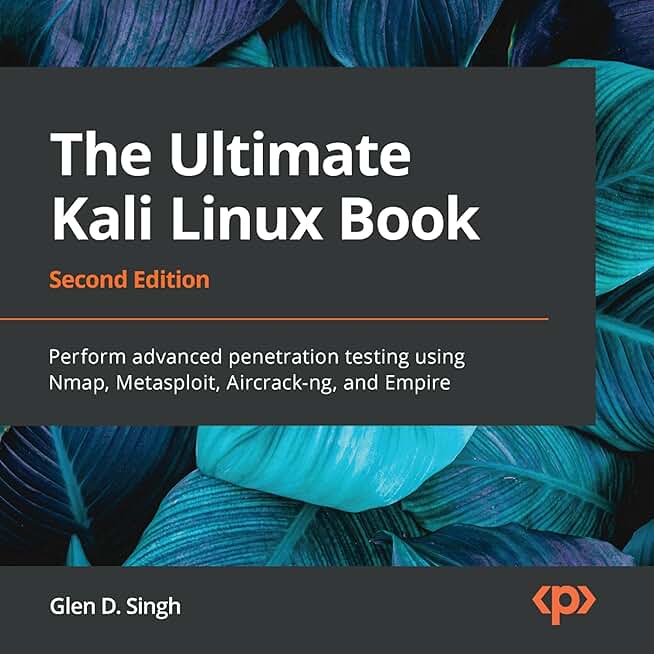
For those serious about mastering penetration testing, having the right hardware and learning resources is essential. The following products are popular among security professionals for setting up a robust testing environment.


As an Amazon Associate, we may earn from qualifying purchases.
Parrot Security OS for lightweight ops
Parrot Security OS is a Debian-based distribution designed specifically for penetration testing, digital forensics, and general security work. It distinguishes itself by prioritizing a lightweight architecture, making it an excellent choice for older hardware or users who need a responsive system for daily driving alongside their security tasks.
Unlike Kali Linux, which can feel heavy and rigid on resource-constrained machines, Parrot uses the MATE desktop environment by default. This choice keeps resource usage low while providing a familiar, traditional interface. The system comes pre-installed with over 300 security tools, covering everything from network analysis to web application testing, without the bloat that often slows down other distros.
The developer-friendly nature of Parrot extends to its coding tools. It includes a robust suite of development environments, making it suitable for security researchers who also write code or scripts. This balance of security utilities and development capabilities allows users to work seamlessly in a single environment.
For those looking to get started with Parrot, the official documentation provides clear installation guides. The community is active and supportive, offering help for both beginners and advanced users.



As an Amazon Associate, we may earn from qualifying purchases.
BlackArch for Advanced Researchers
BlackArch is a rolling-release Arch Linux-based distribution designed specifically for penetration testing and security research. Unlike general-purpose security distros that curate a manageable set of tools, BlackArch provides access to over 2,800 security utilities. It serves as a comprehensive repository for experienced professionals who need to experiment with niche or bleeding-edge exploits without managing complex dependency trees.
The distribution operates as an overlay repository for Arch Linux. This architecture allows researchers to install only the specific tools they need for a particular engagement, keeping the system lean. It includes everything from vulnerability scanners and password crackers to wireless attack tools and forensic analysis suites. The rolling-release model ensures that users always have the latest versions of these specialized applications, which is critical when dealing with rapidly evolving threat landscapes.
Because BlackArch inherits Arch Linux’s base, it requires a solid understanding of Linux system administration. It is not intended for beginners or those seeking a plug-and-play experience. The installation process is manual, and maintaining the system demands familiarity with package management and troubleshooting. However, for security researchers who value customization and depth, it offers unparalleled access to the security tooling ecosystem.
For those building a dedicated security workstation, the hardware foundation is just as important as the software. Reliable input devices and storage solutions ensure stability during intensive tasks like password cracking or network analysis.


As an Amazon Associate, we may earn from qualifying purchases.
Comparing distros for network tasks
When managing network infrastructure, the operating system acts as the command center. Choosing the right Linux distribution depends on balancing system resources, the breadth of available tools, and the learning curve required to operate them effectively. The following comparison highlights three industry-standard options: Kali Linux, Parrot OS, and BlackArch.
Each distribution approaches network management differently. Kali is the default choice for penetration testing but requires careful configuration for daily network monitoring. Parrot OS offers a lighter footprint, making it suitable for older hardware or virtualized environments. BlackArch provides the largest repository of tools, though its complexity makes it better suited for experienced administrators.
| Distribution | Min RAM | Tool Count | Ease of Use |
|---|---|---|---|
| Kali Linux | 2 GB | 600+ | Moderate |
| Parrot OS | 1 GB | 400+ | Easy |
| BlackArch | 2 GB | 2800+ | Advanced |
For those seeking hardware to run these distributions, selecting a machine with sufficient RAM and a reliable network interface card is essential. You can find compatible hardware on Amazon to ensure your system meets the demands of continuous network scanning and packet analysis.
Setting up your security workstation
Building a capable cybersecurity or network management station starts with the right hardware foundation. These workloads demand high RAM capacity, fast storage, and reliable network interfaces to handle packet capture, virtualization, and real-time monitoring without bottlenecks.
Choose the right hardware
For network analysis and penetration testing, prioritize a machine with at least 32GB of RAM and a dedicated SSD. A powerful multi-core CPU helps when running multiple virtual machines for isolated lab environments. If you plan to capture traffic on multiple interfaces, ensure your motherboard or expansion cards support multiple Ethernet ports or high-quality USB adapters.
Prepare your installation media
Before installing your chosen distribution, verify the integrity of the ISO file by checking its SHA256 checksum against the official source. Use a reliable tool like Rufus (Windows) or Etcher (macOS/Linux) to create a bootable USB drive. This step ensures the installation files are not corrupted and prevents unexpected errors during the OS setup.
Configure the OS for security
Once installed, harden the system immediately. Disable unused services, configure a firewall like UFW or firewalld, and set up automatic security updates. For network management tasks, install essential tools like Wireshark, Nmap, and Metasploit early in the process. Keep your user permissions strict and avoid running as root unless absolutely necessary for specific administrative tasks.
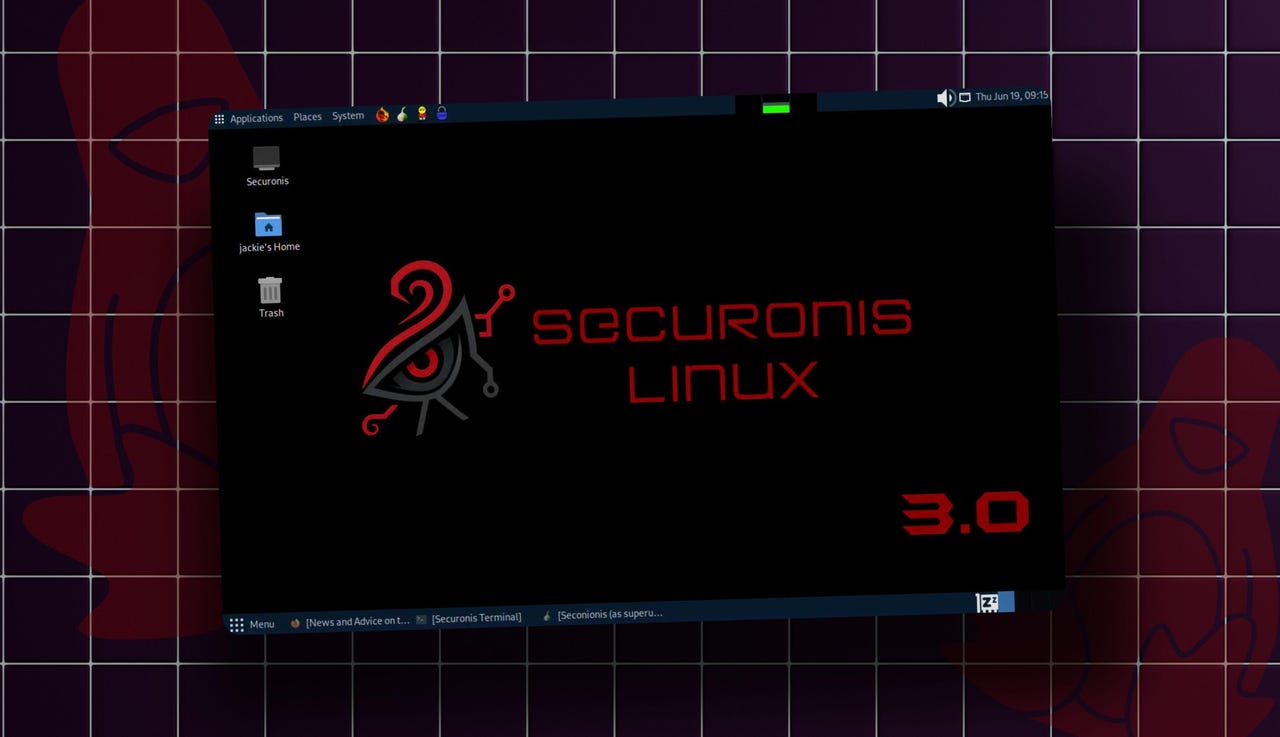
Focus on RAM capacity (32GB+), SSD speed, and network interface flexibility to support virtualization and packet capture workloads.
Check ISO checksums and use Etcher or Rufus to write the image to a USB drive, ensuring a clean and secure installation environment.
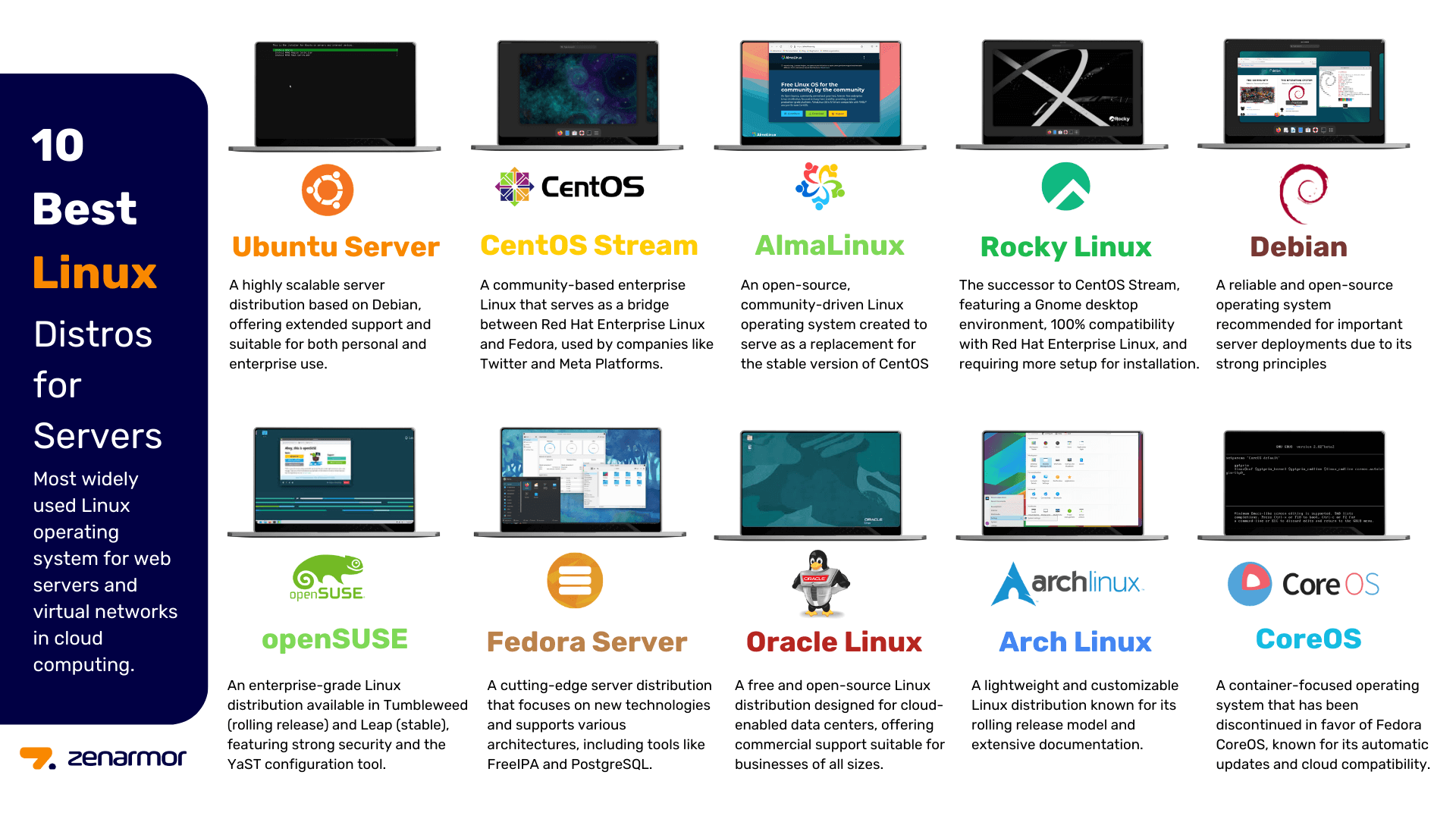
Disable unused services, enable a firewall, and install core security tools like Wireshark and Nmap for immediate operational readiness.


As an Amazon Associate, we may earn from qualifying purchases.
No comments yet. Be the first to share your thoughts!