

Why Linux powers security workflows
Linux is the operating system of choice for cybersecurity professionals and network engineers because it provides the necessary control over the underlying infrastructure. Unlike consumer operating systems that prioritize user convenience, Linux exposes the raw kernel, allowing engineers to manipulate network stacks, monitor low-level processes, and script complex automation without abstraction layers getting in the way. This transparency is not just a feature; it is a requirement for effective security auditing and network defense.
The ecosystem surrounding Linux is built specifically for security tasks. Nearly all industry-standard penetration testing frameworks and network analysis tools are developed for Linux first. Tools like Wireshark for packet analysis, Nmap for network discovery, and the entire Kali Linux or Parrot OS distributions are native to this environment. Running these tools on Windows or macOS often requires virtualization or compatibility layers, which can introduce latency or compatibility issues that compromise the precision needed in a live security engagement.
Open-source transparency further solidifies Linux's position. Security professionals need to trust the code they are running. Because the Linux kernel and most associated tools are open-source, the community can audit the code for backdoors, vulnerabilities, or malicious behavior. This collective scrutiny creates a baseline of trust that proprietary software cannot match, ensuring that the tools used to protect networks are not themselves a liability.
For those starting their journey or looking to build a dedicated security workstation, having the right hardware is essential to handle resource-intensive tasks like password cracking or large-scale packet capture. The following hardware options are commonly recommended for building a robust security lab or mobile assessment station.

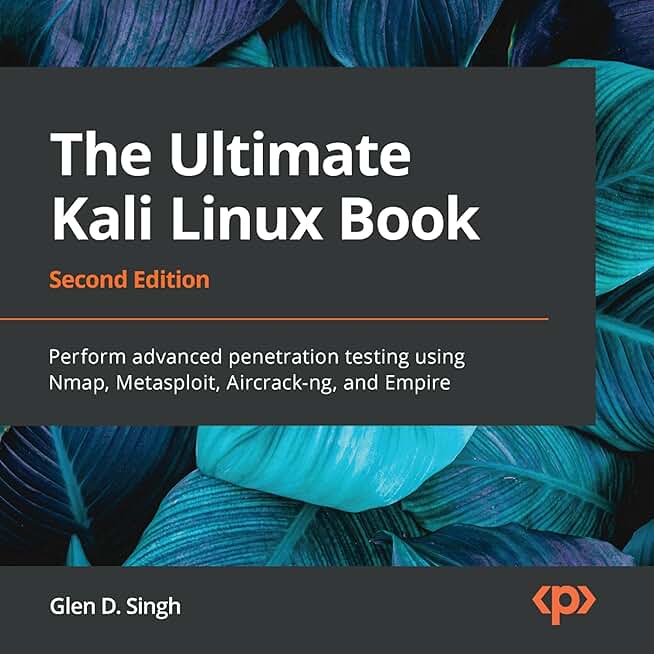

As an Amazon Associate, we may earn from qualifying purchases.
Kali Linux for penetration testing
Kali Linux remains the standard-bearer for offensive security professionals and network engineers. Developed by Offensive Security, this Debian-based distribution is not just an operating system; it is a specialized toolkit designed for digital forensics and penetration testing. For engineers who need to audit network infrastructure or validate security postures, Kali provides a pre-configured environment that eliminates the time-consuming process of sourcing and compiling individual security tools.
The distribution comes pre-loaded with over 600 penetration testing tools, ranging from wireless attack frameworks like Aircrack-ng to web application scanners such as OWASP ZAP. This "batteries-included" approach ensures that security teams have immediate access to the necessary utilities for vulnerability assessment, credential auditing, and network analysis. Whether you are conducting a red team exercise or performing routine security audits on enterprise networks, Kali offers a consistent interface and reliable performance across various hardware configurations.
Beyond the software itself, Kali benefits from a massive global community and extensive documentation. This ecosystem ensures that even complex tools are well-documented, and common issues have established solutions. For professionals looking to deepen their expertise or set up dedicated testing labs, there is a wealth of resources available to support both learning and practical application.


As an Amazon Associate, we may earn from qualifying purchases.
Parrot OS: A Lightweight Privacy-Focused Workstation
Parrot OS serves as a streamlined alternative to Kali Linux, designed specifically for developers, security researchers, and network engineers who need a daily-driver operating system. Unlike Kali’s heavy, immutable architecture, Parrot is built on Debian Stable but includes a curated selection of security tools, making it lighter and more flexible for everyday tasks.
The operating system uses the MATE desktop environment by default, which consumes significantly fewer system resources than the GNOME interface found in Kali. This efficiency allows network engineers to run resource-intensive tasks like packet analysis or virtualization labs on older hardware or in constrained cloud environments without the system becoming sluggish. It strikes a practical balance between a professional security toolkit and a functional office workstation.
Parrot OS prioritizes user privacy through two distinct modes: "Amnesic" and "Persistent." In Amnesic mode, the system runs entirely from RAM, leaving no trace on the hard drive after shutdown. This is ideal for sensitive network audits or working in untrusted environments. Persistent mode saves your work and configurations to an encrypted partition, offering the flexibility needed for long-term projects.
The distribution comes pre-installed with essential tools for penetration testing and network analysis, including Nmap, Wireshark, Aircrack-ng, and John the Ripper. For network engineers, the inclusion of advanced networking utilities and a clean, uncluttered interface reduces the setup time required to start analyzing traffic or testing configurations.


As an Amazon Associate, we may earn from qualifying purchases.
Ubuntu LTS for network management
Ubuntu LTS (Long Term Support) serves as the foundational backbone for network infrastructure, offering the stability required for mission-critical routing, switching, and firewall appliances. For network engineers, the five-year support cycle eliminates the friction of frequent major version upgrades, allowing systems to run for years without the risk of breaking dependencies or requiring disruptive re-imaging.
The distribution’s broad hardware support is a decisive advantage for professionals managing diverse network topologies. Whether deploying on enterprise-grade rack servers, legacy industrial hardware, or modern edge devices, Ubuntu’s extensive kernel driver compatibility ensures that network interface cards (NICs), RAID controllers, and management modules function out of the box. This reduces the time engineers spend troubleshooting driver conflicts and shifts focus toward configuration and security hardening.
Ubuntu LTS also integrates seamlessly with the automation tools that define modern network engineering. Native support for Ansible, Puppet, and Terraform allows teams to manage thousands of nodes from a single control point. Combined with the vast community documentation and commercial backing from Canonical, it provides a reliable environment for both cybersecurity monitoring stations and core network infrastructure.
Essential Tools and References
The following resources support the professional workflow of network engineers and cybersecurity analysts using Ubuntu LTS.


As an Amazon Associate, we may earn from qualifying purchases.
Debian Stable for Server Reliability
Debian Stable is the bedrock of enterprise Linux infrastructure. For network engineers and cybersecurity professionals, it offers a balance of stability and utility that few other distributions match. The release cycle is deliberate, prioritizing system integrity over new features. This approach ensures that production environments remain predictable and secure for years.
Predictable Update Cycles
The core strength of Debian Stable lies in its frozen package versions. Once a release is finalized, packages are not upgraded to newer versions unless they address critical security vulnerabilities. This prevents the "it worked on my machine" syndrome where software updates break custom configurations or network scripts. For firewalls and intrusion detection systems, this predictability is non-negotiable.
Security and Long-Term Support
Debian’s security team is highly regarded for its prompt response to vulnerabilities. Combined with Long Term Support (LTS) extensions, systems can remain operational and patched for over a decade. This longevity reduces the operational overhead of frequent OS migrations. Network appliances deployed in remote locations benefit significantly from this reduced maintenance burden.
Hardware and Tooling
While Debian itself is free, building a robust cybersecurity lab or server room requires reliable hardware. The following components are commonly used in professional network engineering setups:


As an Amazon Associate, we may earn from qualifying purchases.
Debian runs efficiently on everything from high-end server racks to single-board computers. Its wide hardware compatibility ensures that network engineers can deploy consistent software stacks across diverse hardware architectures without compatibility headaches.
How to choose your distro
Selecting a Linux distribution is less about finding the "best" OS and more about matching the right tool to your specific role. Cybersecurity professionals and network engineers operate in different environments, requiring distinct configurations for stability, tooling, and hardware compatibility. Use this framework to narrow your options based on your primary workflow.
Kali Linux is the industry standard for penetration testing and ethical hacking. It comes pre-loaded with hundreds of security tools like Metasploit, Wireshark, and Nmap. If your primary job involves attacking systems, conducting audits, or red teaming, Kali is the default choice. It is not designed for daily desktop use, so keep it isolated in a VM or dedicated hardware.
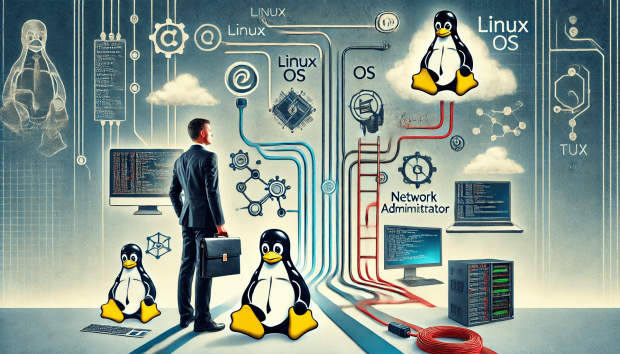
Parrot Security OS is a lighter alternative to Kali that balances offensive tools with daily usability. It is ideal for security professionals who need a functional desktop environment for coding, browsing, and general IT tasks alongside security utilities. Its lightweight architecture makes it suitable for older hardware or resource-constrained virtual machines, offering a more versatile workflow for blue teamers and consultants.
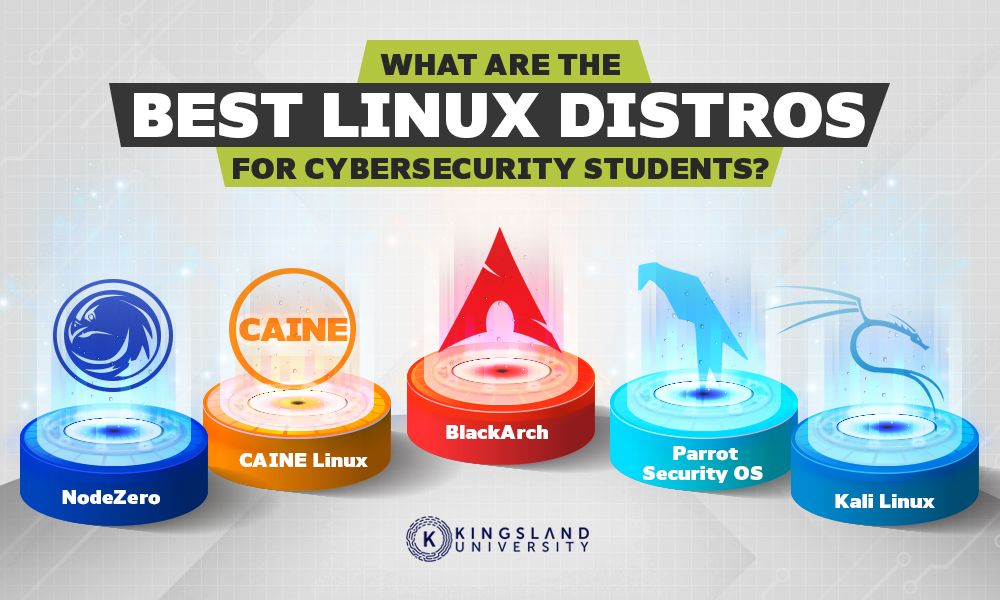
Ubuntu Server and Desktop are the backbone of most enterprise network operations. With LTS releases every two years, Ubuntu provides long-term stability and extensive community support, which is critical for managing routers, switches, and firewalls. Its vast repository of packages and straightforward package management make it the safest bet for general IT infrastructure, scripting, and network monitoring tools.
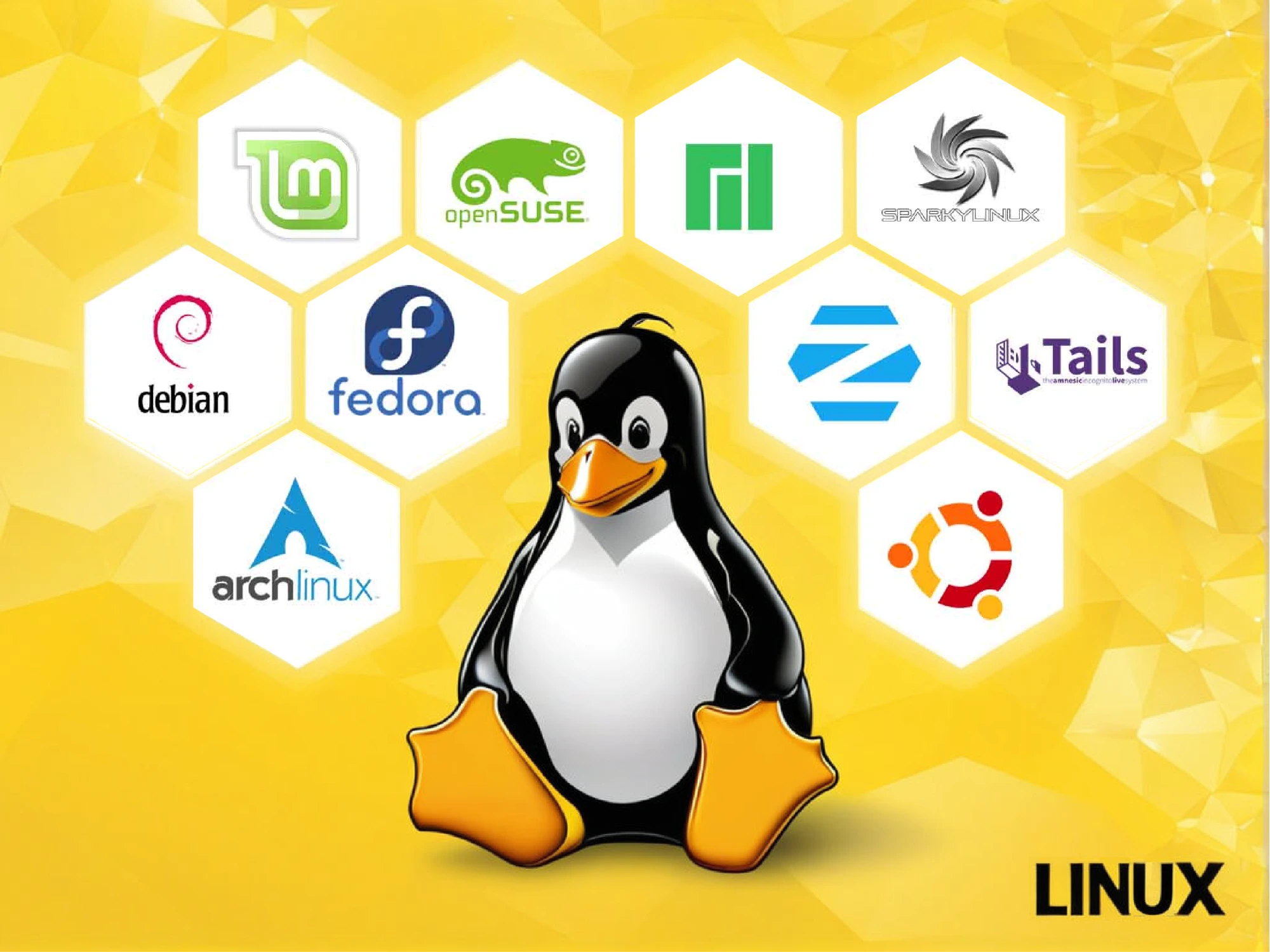
Debian is the foundation for Ubuntu and other popular distros, offering unmatched stability for long-running servers. If you are managing critical network infrastructure, databases, or cloud environments, Debian’s conservative update cycle ensures that your systems remain predictable and secure. It is the preferred choice for sysadmins who prioritize reliability over having the latest software versions.


As an Amazon Associate, we may earn from qualifying purchases.
Linux for Security FAQs
Does the US military use Linux?
Yes. The U.S. Department of Defense relies on Linux for its supercomputing infrastructure. This adoption is driven by the operating system’s security, stability, and scalability. Because the DoD has the budget for enterprise support, cost is not a barrier to using open-source solutions for critical defense workloads.
Which Linux distro never breaks?
ShaniOS is an immutable Linux distribution designed for maximum reliability. It uses a blue/green deployment model, meaning the core OS files are read-only and updates are applied atomically. This architecture ensures the system never breaks during updates, making it a safe choice for stable network environments.
Can I run security tools on low-end hardware?
Absolutely. Lightweight distros like Lubuntu, EndeavourOS, and Linux Lite are optimized for older or low-spec hardware. These distributions strip away heavy desktop environments, allowing you to dedicate system resources to running security tools and network analysis software without lag.
Is Linux better than Windows for cybersecurity?
Linux is the industry standard for cybersecurity professionals because it offers granular control over permissions, networking, and kernel parameters. Most penetration testing tools are native to Linux, and its command-line efficiency allows for faster scripting and automation compared to Windows-based alternatives.
No comments yet. Be the first to share your thoughts!