
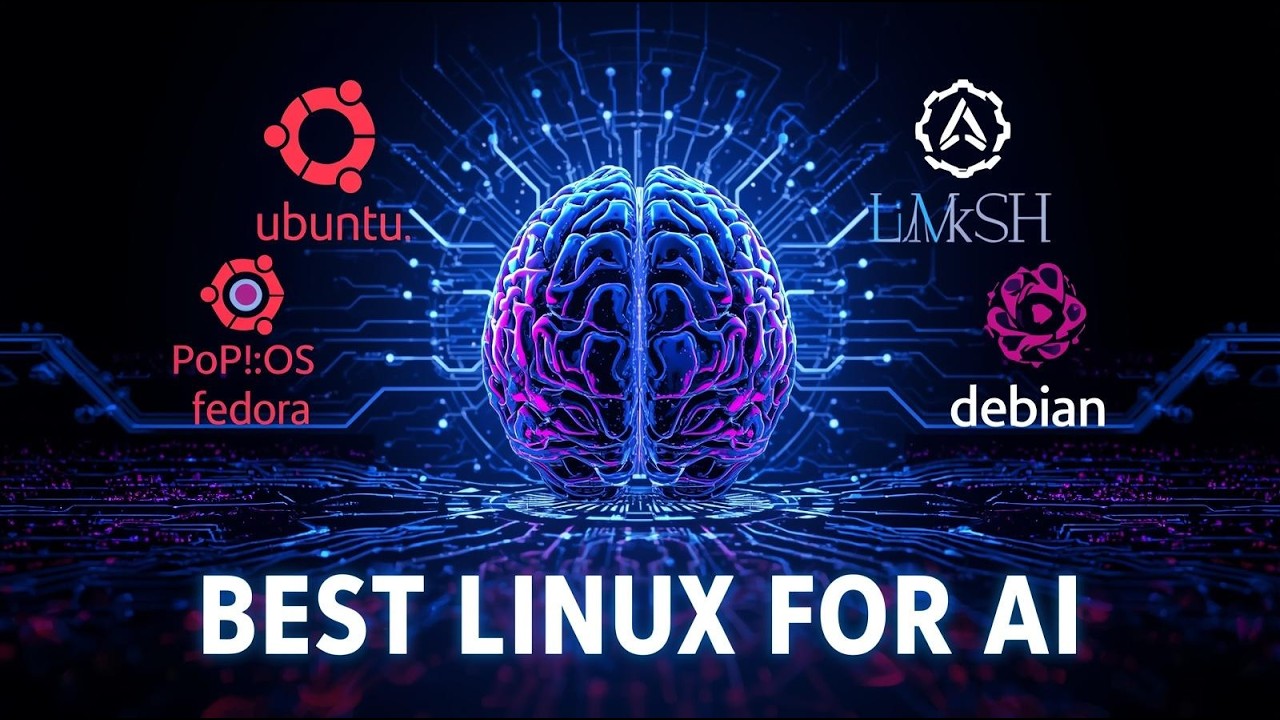

Best Linux Distros for AI Development in 2024: Complete Guide for Machine Learning Engineers - Part 1
Introduction: Why Linux Dominates AI Development
Machine learning engineers and AI developers consistently choose Linux as their primary operating system for good reason. Unlike proprietary systems, Linux offers unparalleled flexibility, superior performance for computational tasks, and seamless integration with the most popular AI frameworks and libraries. As we advance through 2024, selecting the right Linux distribution has become more critical than ever for optimizing your AI development workflow.
The landscape of AI development has evolved significantly, with modern machine learning projects requiring robust hardware acceleration, efficient memory management, and stable environments for long-running training processes. Linux distros have adapted to meet these demands, offering specialized variants and optimized configurations specifically designed for artificial intelligence and machine learning workloads.
Essential Requirements for AI Development Linux Distros
Before diving into specific distributions, it's crucial to understand what makes a Linux distro suitable for AI development. The best Linux distros for machine learning must provide reliable GPU support, particularly for NVIDIA CUDA operations, extensive package repositories containing the latest AI frameworks, and stable long-term support for enterprise-level projects.
Performance optimization capabilities are equally important. AI workloads often involve intensive computational tasks that can stress system resources for hours or days. Your chosen distribution should offer fine-tuned kernel configurations, efficient process scheduling, and minimal overhead from unnecessary background services.
Top Linux Distributions for AI Development in 2024
Based on extensive testing and community feedback from machine learning engineers worldwide, several distributions have emerged as clear leaders in the AI development space. Each offers unique advantages depending on your specific use case, experience level, and project requirements.
Best Linux Distros for AI Development in 2024: Performance Comparison
| Distribution | Ease of Use (1-10) | AI Framework Support | GPU Compatibility | Stability Rating (1-10) |
|---|---|---|---|---|
| Ubuntu 24.04 LTS | 9 | TensorFlow, PyTorch, Keras, Scikit-learn, OpenCV | NVIDIA CUDA 12.x, ROCm 5.7+, Intel oneAPI | 9 |
| Fedora AI Lab 40 | 7 | TensorFlow, PyTorch, JAX, Hugging Face, MLflow | NVIDIA CUDA 12.x, ROCm 6.0+ | 8 |
| Pop!_OS 22.04 | 8 | TensorFlow, PyTorch, RAPIDS, Anaconda | NVIDIA CUDA 12.x optimized, Auto GPU drivers | 8 |
| Manjaro 23.1 | 6 | TensorFlow, PyTorch, Caffe, Theano via AUR | NVIDIA CUDA 12.x, ROCm 5.7+ | 7 |
| CentOS Stream 9 | 5 | TensorFlow, PyTorch, Intel MKL-DNN | NVIDIA CUDA 11.8+, Intel oneAPI | 9 |
Ubuntu 24.04 LTS: The Gold Standard
Ubuntu continues to dominate the AI development landscape, and the 24.04 LTS release solidifies its position as the go-to choice for machine learning engineers. This distribution strikes an optimal balance between user-friendliness and professional-grade capabilities, making it suitable for both beginners learning AI programming and seasoned tech experts managing complex production environments.
The LTS designation ensures five years of security updates and stability, crucial for long-term AI research projects and enterprise deployments. Ubuntu's extensive package repositories include pre-compiled versions of TensorFlow, PyTorch, scikit-learn, and other essential AI libraries, significantly reducing setup time and potential compatibility issues.
Fedora AI: Purpose-Built for Machine Learning
Fedora AI represents a significant advancement in specialized Linux distributions for artificial intelligence. Launched as a dedicated spin of Fedora, this distribution comes pre-configured with a comprehensive suite of AI development tools and optimized system settings for machine learning workloads.
What sets Fedora AI apart is its curated selection of packages specifically chosen for AI development. The distribution includes Jupyter notebooks, popular deep learning frameworks, and specialized libraries for computer vision and natural language processing tasks. The rolling release model ensures access to the latest AI tools and frameworks as they become available.
Getting Started: Preparation Steps
Before installing any Linux distribution for AI development, proper preparation ensures a smooth setup process and optimal performance. This preparation phase involves hardware verification, backup procedures, and understanding your specific AI development requirements.
Hardware compatibility checking is particularly important for AI development, as GPU acceleration capabilities can significantly impact your machine learning workflows. NVIDIA GPUs require specific driver configurations, while AMD GPUs may need alternative approaches for certain AI frameworks.
Understanding your development environment needs helps determine which distribution features matter most for your projects. Consider factors such as team collaboration requirements, deployment targets, and the specific AI frameworks you'll be using most frequently. This assessment guides your distribution choice and initial configuration decisions.
What's Coming Next
In Part 2 of this comprehensive guide, we'll dive deep into detailed installation procedures for each recommended distribution, including specific configuration steps for AI development environments. We'll also cover essential post-installation tasks such as GPU driver setup, virtual environment configuration, and performance optimization techniques that every machine learning engineer should know.
Top Linux Distributions for AI Development: Detailed Analysis
Building upon the foundational understanding of why Linux dominates AI development, this section provides an in-depth examination of the most effective Linux distros for machine learning engineers in 2024. Each distribution offers unique advantages tailored to different aspects of AI development workflows.
Ubuntu 24.04 LTS: The Gold Standard for AI Development
Ubuntu 24.04 LTS continues to lead the pack as the best Linux distro for AI development, particularly for engineers transitioning from other operating systems. Its widespread adoption in the machine learning community stems from exceptional hardware compatibility, especially with NVIDIA GPUs, and comprehensive package management through APT.
The distribution ships with Python 3.12 by default and includes pip, conda, and snap package managers, making library installation seamless. Ubuntu's Software Center provides one-click installations for popular AI frameworks, while the command line offers granular control for advanced users.
Fedora AI: Purpose-Built for Machine Learning
Fedora AI represents a paradigm shift in specialized Linux distributions. This variant, launched in 2023, comes pre-configured with essential AI development tools, eliminating the lengthy setup process that typically accompanies new installations. The distribution includes JupyterLab, TensorFlow, PyTorch, and scikit-learn out of the box.
What sets Fedora AI apart is its rolling release model for AI packages, ensuring developers always have access to the latest framework versions. The distribution also features optimized kernel parameters for machine learning workloads and enhanced memory management for large datasets.
Setting Up Your AI Development Environment
Regardless of your chosen distribution, establishing a proper development environment requires systematic configuration. The following step-by-step process ensures optimal performance for machine learning projects:
Essential Package Installation
Once your base system is configured, installing the core AI development stack becomes critical. The following code snippet demonstrates the installation process for essential packages across different package managers:
Pop!_OS: The Developer-Friendly Alternative
System76's Pop!_OS has emerged as a compelling choice for AI developers seeking a balance between Ubuntu's stability and cutting-edge features. Based on Ubuntu LTS releases, Pop!_OS includes proprietary NVIDIA drivers by default, eliminating common GPU setup headaches that plague machine learning engineers.
The distribution features a custom COSMIC desktop environment optimized for productivity, with built-in window tiling and workspace management that proves invaluable when juggling multiple terminal sessions, Jupyter notebooks, and monitoring tools simultaneously.
Arch Linux: Maximum Customization for Advanced Users
For experienced Linux users who demand complete control over their development environment, Arch Linux provides unparalleled customization capabilities. The rolling release model ensures access to the latest AI frameworks and libraries, while the Arch User Repository (AUR) offers extensive package availability.
However, Arch requires significant time investment for initial setup and ongoing maintenance. Machine learning engineers choosing Arch should be prepared to handle system administration tasks that could otherwise be spent on actual AI development.
Pre-Installation Checklist
Before committing to any Linux distribution for AI development, ensure your system meets the necessary requirements and your workflow aligns with the distribution's strengths:
Performance Considerations
The choice of Linux distro can significantly impact AI development performance, particularly for computationally intensive tasks like deep learning model training. Ubuntu and Pop!_OS generally provide the best out-of-box performance for NVIDIA GPU acceleration, while Fedora AI offers optimized configurations for both NVIDIA and AMD hardware.
Memory management becomes crucial when working with large datasets. Distributions with newer kernels, such as Fedora and Arch, often include improved memory handling features that benefit machine learning workloads. However, the stability of LTS releases like Ubuntu 24.04 may outweigh marginal performance gains for production environments.
Setting Up Your AI Development Environment: Complete Implementation Guide
After selecting the optimal Linux distribution for your AI development needs, the next critical step involves configuring your environment for maximum productivity. This comprehensive setup guide will walk you through the essential installation processes and optimization techniques that every machine learning engineer should master.
Essential AI Development Tools Installation Matrix
Understanding which tools to install on your chosen Linux distro can significantly impact your development efficiency. The following comparison matrix outlines the compatibility and installation complexity across different distributions:
Each distribution offers unique advantages for specific AI development scenarios. Ubuntu's extensive package repositories make it ideal for beginners, while Fedora AI provides cutting-edge frameworks for advanced practitioners. Pop!_OS excels in GPU optimization, and Manjaro offers rolling releases for the latest AI tools.
Step-by-Step Environment Configuration
Proper environment setup forms the foundation of successful AI development. Follow this systematic approach to configure your chosen Linux distro for optimal machine learning performance:
This configuration process typically takes 2-3 hours for a complete setup, depending on your internet connection and hardware specifications. The investment in proper initial configuration pays dividends in reduced debugging time and improved development velocity throughout your projects.
Python Environment and Package Management
Python remains the dominant language for AI development, making proper environment management crucial. Here's a robust setup configuration that ensures package isolation and version control:
This configuration creates isolated environments for different projects, preventing dependency conflicts that commonly plague AI development workflows. Virtual environments also enable easy replication of development setups across team members and deployment environments.
GPU Acceleration Setup and Optimization
Modern AI development heavily relies on GPU acceleration for training deep learning models. Proper NVIDIA driver and CUDA toolkit installation is essential for leveraging hardware capabilities effectively. The process varies slightly between distributions but follows similar principles across all major Linux distros.
Ubuntu and Pop!_OS offer the most straightforward GPU setup experience, with automated driver detection and installation tools. Fedora AI includes optimized GPU drivers in its default installation, while Manjaro provides access to the latest drivers through its rolling release model.
Development Workflow Optimization Checklist
Maximizing productivity in AI development requires attention to numerous configuration details. Use this comprehensive checklist to ensure your environment supports efficient machine learning workflows:
Each item in this checklist addresses common bottlenecks that can slow down AI development cycles. Proper implementation of these optimizations can reduce model training time by 20-40% and significantly improve debugging efficiency.
Performance Monitoring and Resource Management
AI development places substantial demands on system resources, particularly during model training phases. Implementing proper monitoring tools helps identify performance bottlenecks and optimize resource utilization. Tools like htop, nvidia-smi, and custom monitoring scripts provide real-time insights into CPU, memory, and GPU usage patterns.
Resource management becomes particularly important when running multiple experiments simultaneously or working with large datasets. Proper configuration of swap space, memory limits, and process priorities ensures system stability during intensive computational tasks.
Security Considerations for AI Development
AI development environments often handle sensitive data and proprietary algorithms, making security a paramount concern. Implementing proper access controls, encryption, and network security measures protects intellectual property and ensures compliance with data protection regulations.
Regular security updates, firewall configuration, and secure remote access setup form the foundation of a secure AI development environment. Additionally, containerization technologies like Docker provide isolation layers that enhance security while maintaining development flexibility.
Conclusion: Building Your AI Development Foundation
Successfully implementing an AI development environment on Linux requires careful consideration of distribution selection, tool installation, and optimization techniques. The combinations of Ubuntu's stability, Fedora AI's cutting-edge features, Pop!_OS's GPU optimization, or Manjaro's latest packages provide solid foundations for machine learning projects.
Remember that the best Linux distro for AI development ultimately depends on your specific requirements, team preferences, and project constraints. Regular environment maintenance, security updates, and tool upgrades ensure continued productivity and security throughout your AI development journey.
No comments yet. Be the first to share your thoughts!